
App template · Node.js 24 · Next.js 16.4.0 · Ai-sdk 7.0.138 · Postgres 17
AI Chat Starter
A finished AI chat product: Next.js 16, AI SDK 7, Claude by default, document Q&A with citations, token metering tied to plans.
Max Included in Max (from $12.99 a month) · Pro License: no credit needed, yours to keep · SHA-256 1390b9e1be32c91d…
Serving suggestion
- Unzip it where your project will live.
- Install Node.js 22.15 or newer (24 recommended). The checks also need a browser:
npm run setupinstalls one. No AI key is needed to try it: a built-in fake model runs everything; add an Anthropic key (and an OpenAI key for document embeddings) for real answers. - Open the folder with your agent and say something like:
This is an AI chat starter from CodePlate. Read AGENTS.md, then let's turn it into "Pawpal": a pet-care Q&A assistant for our vet clinic that answers from our care sheets.
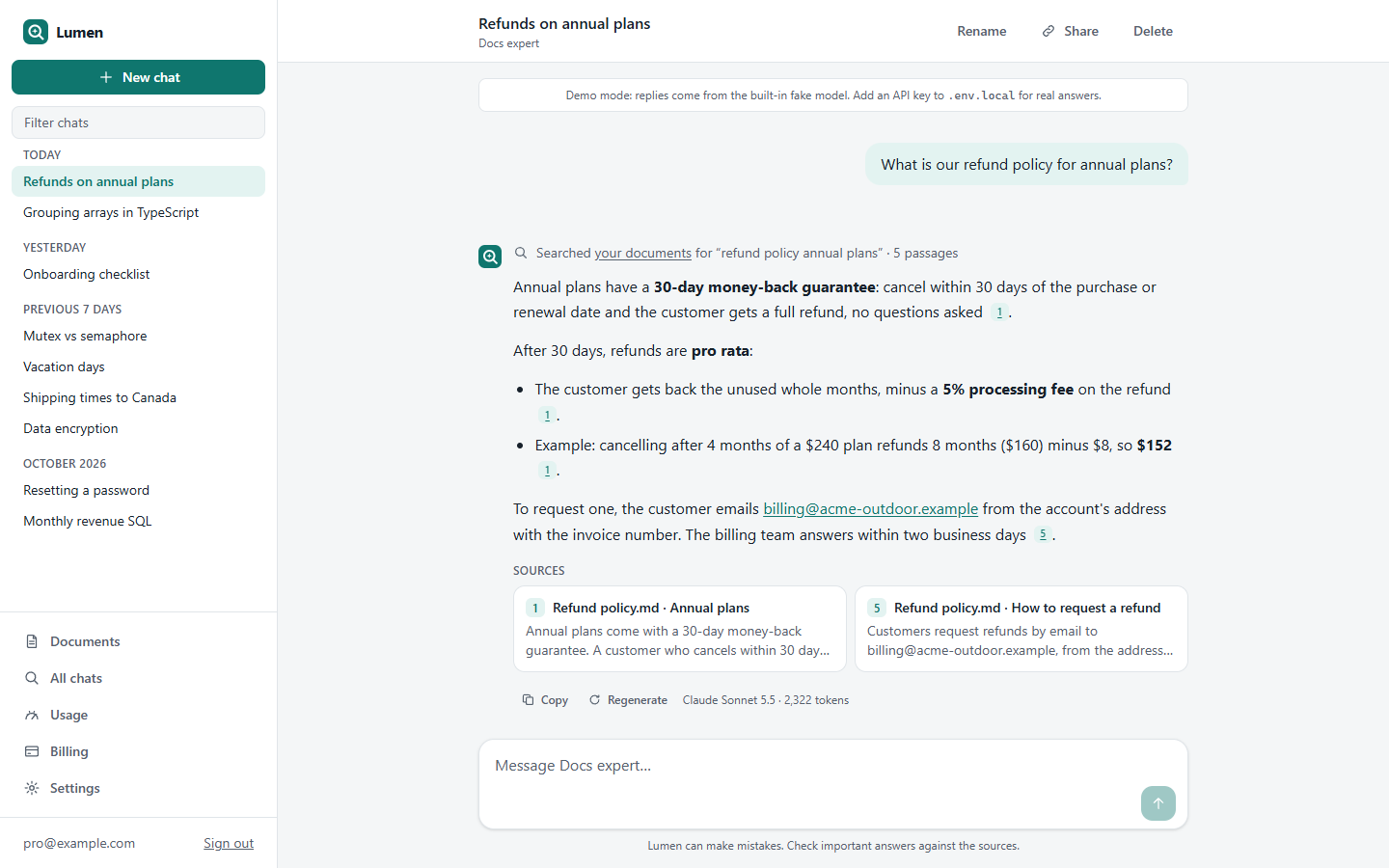
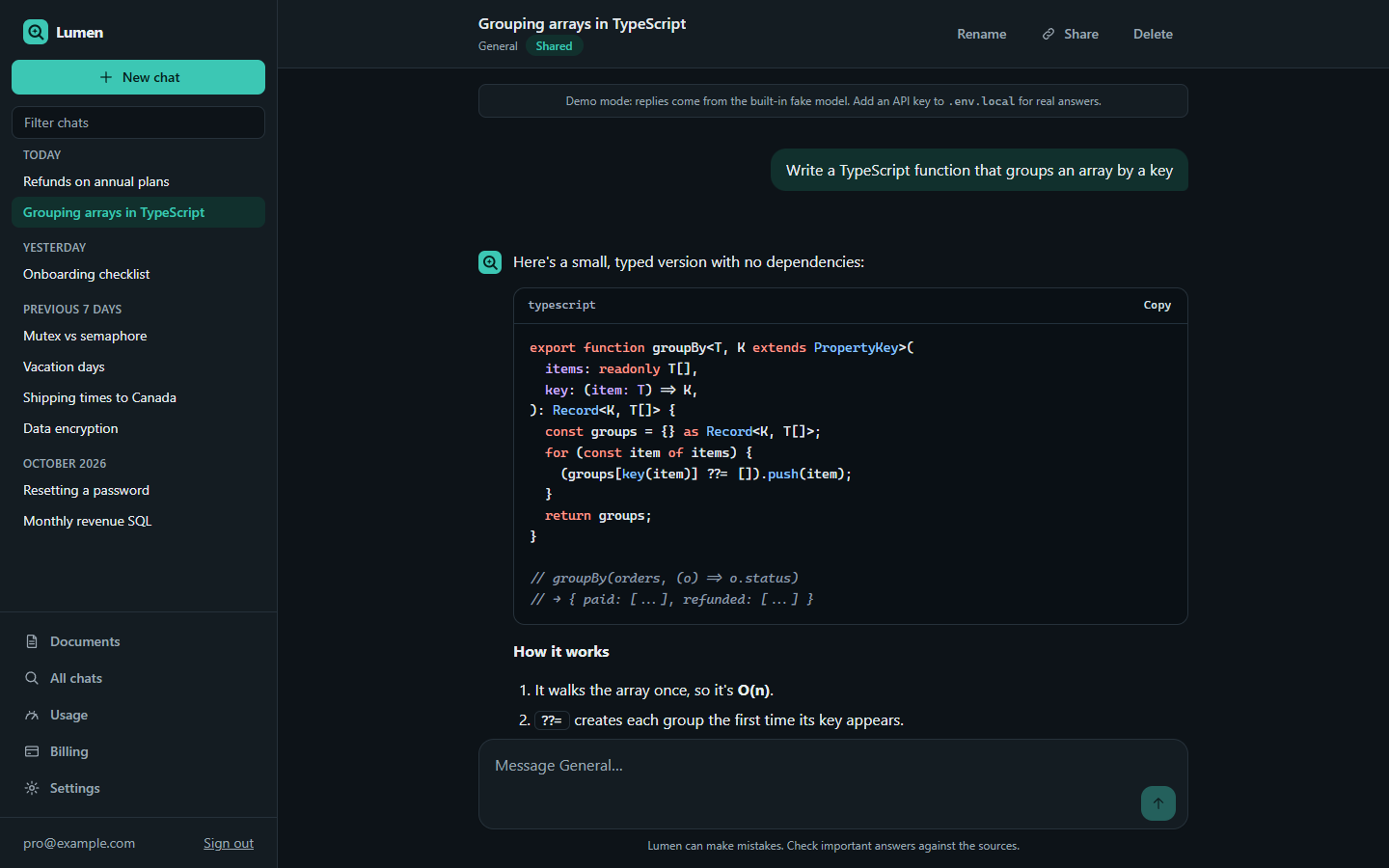
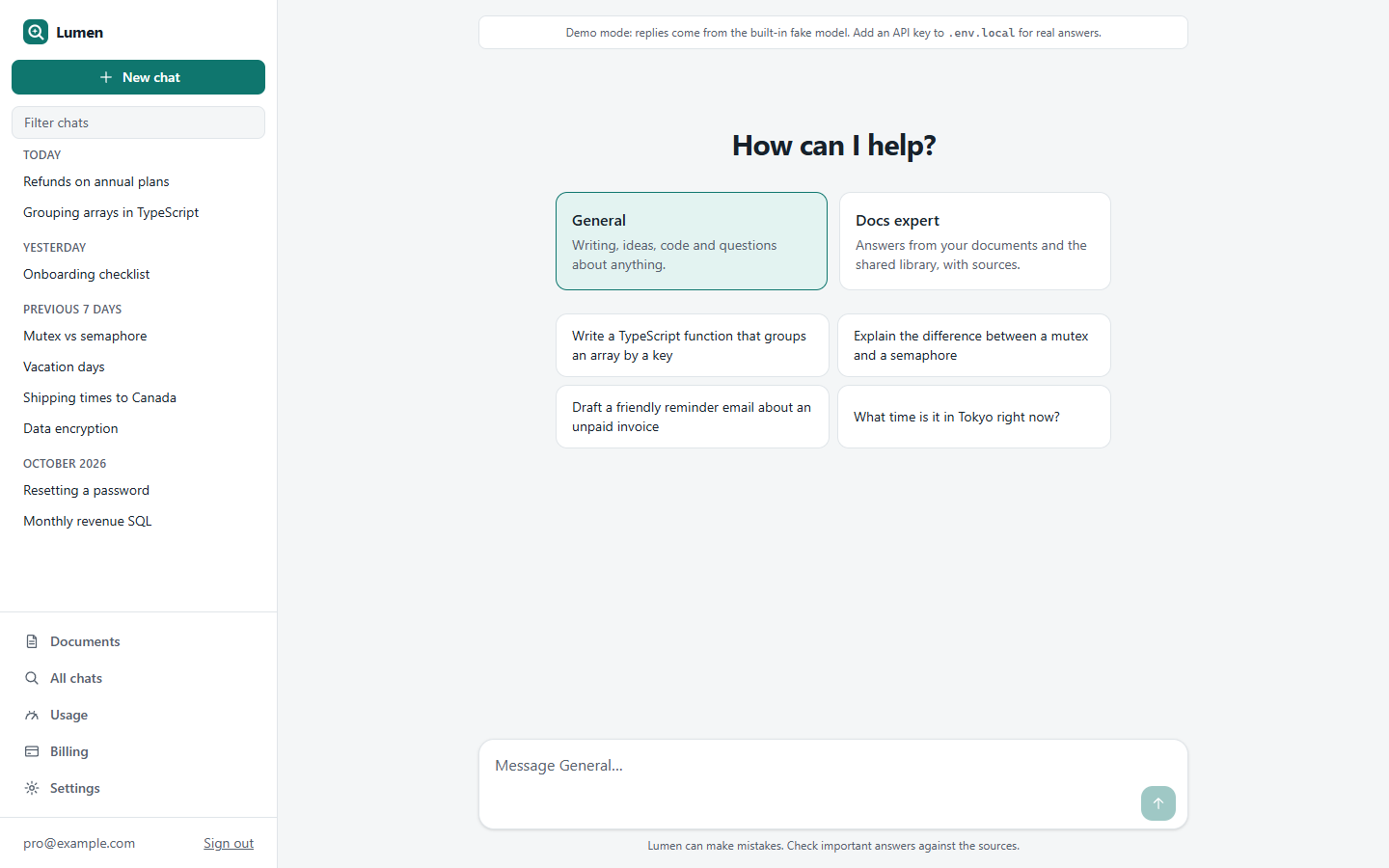
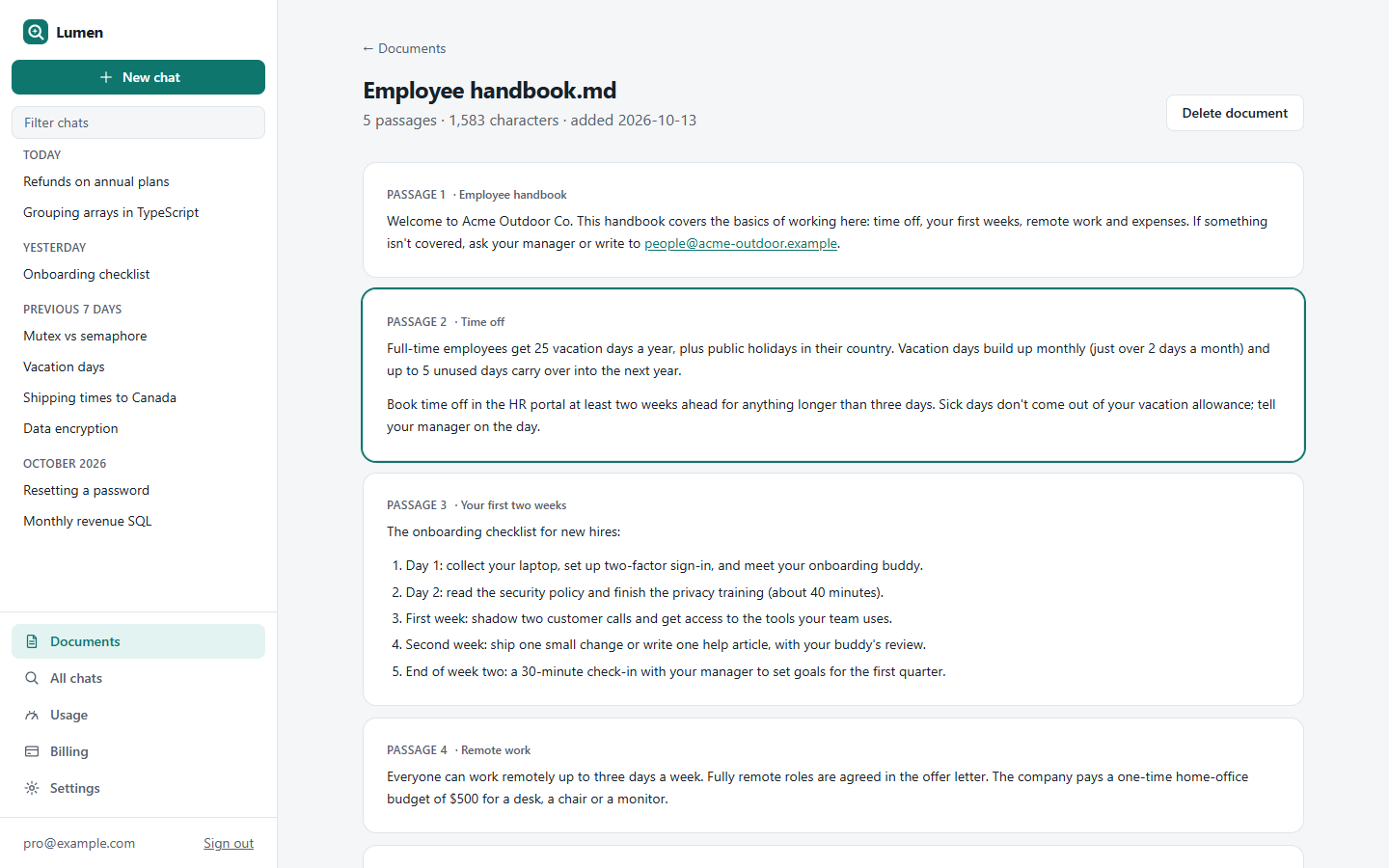
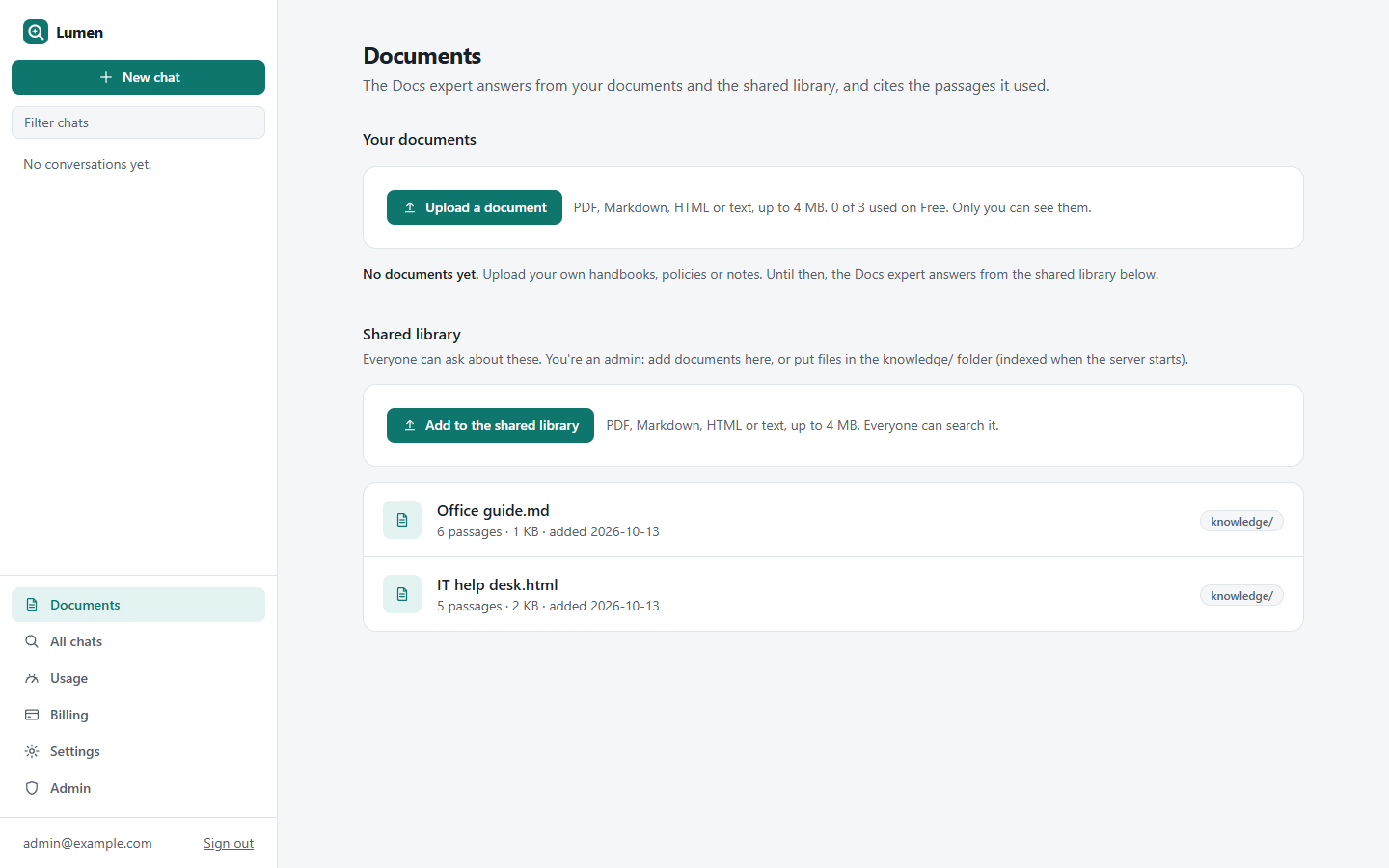
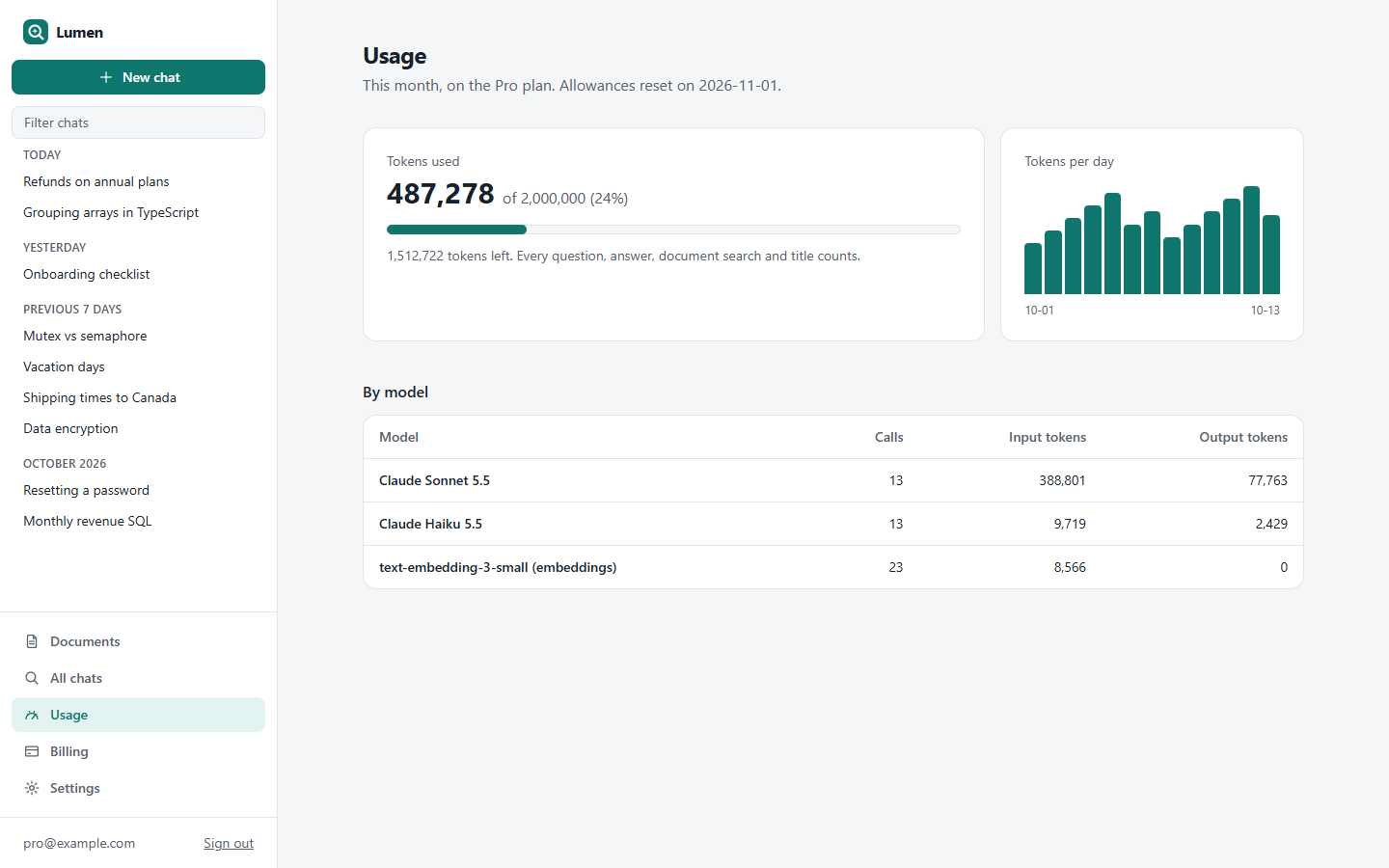
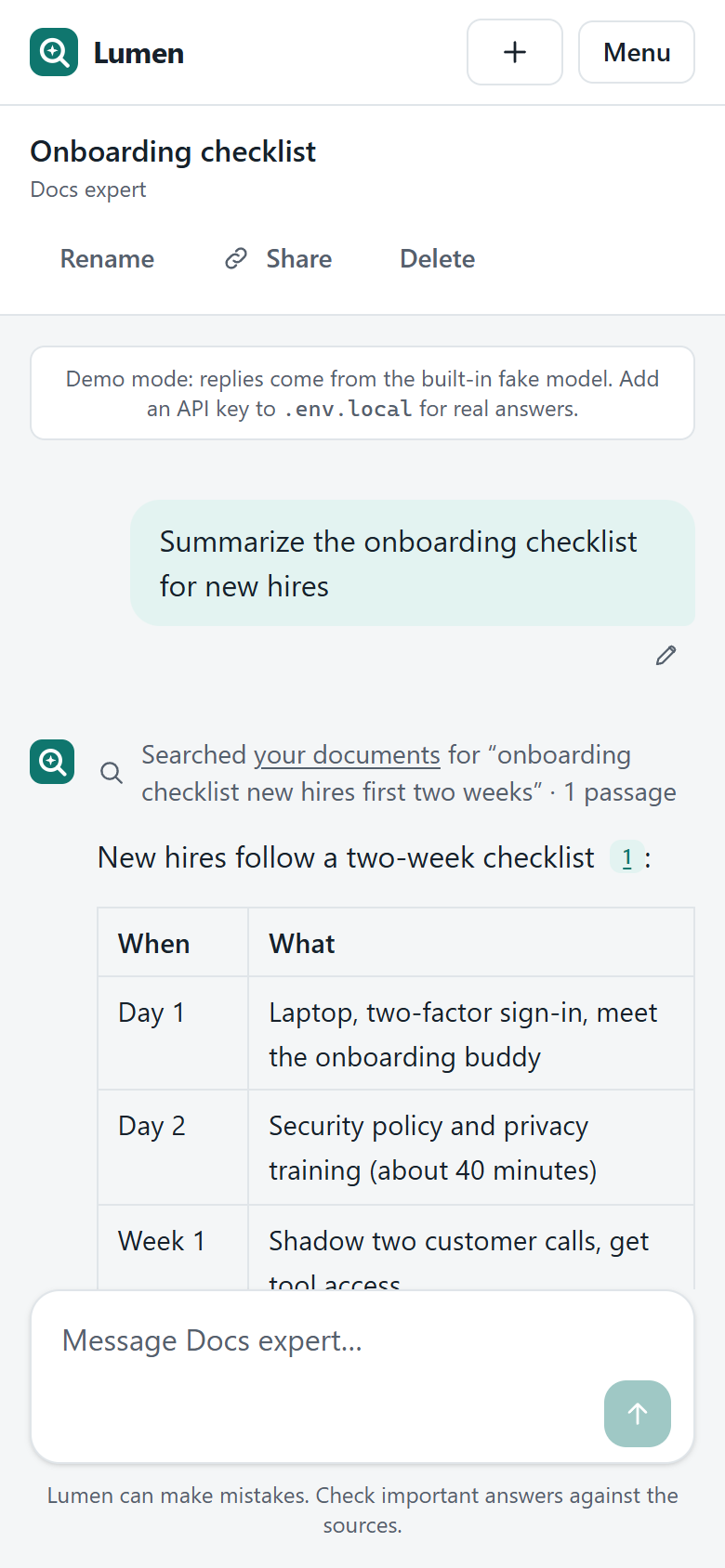
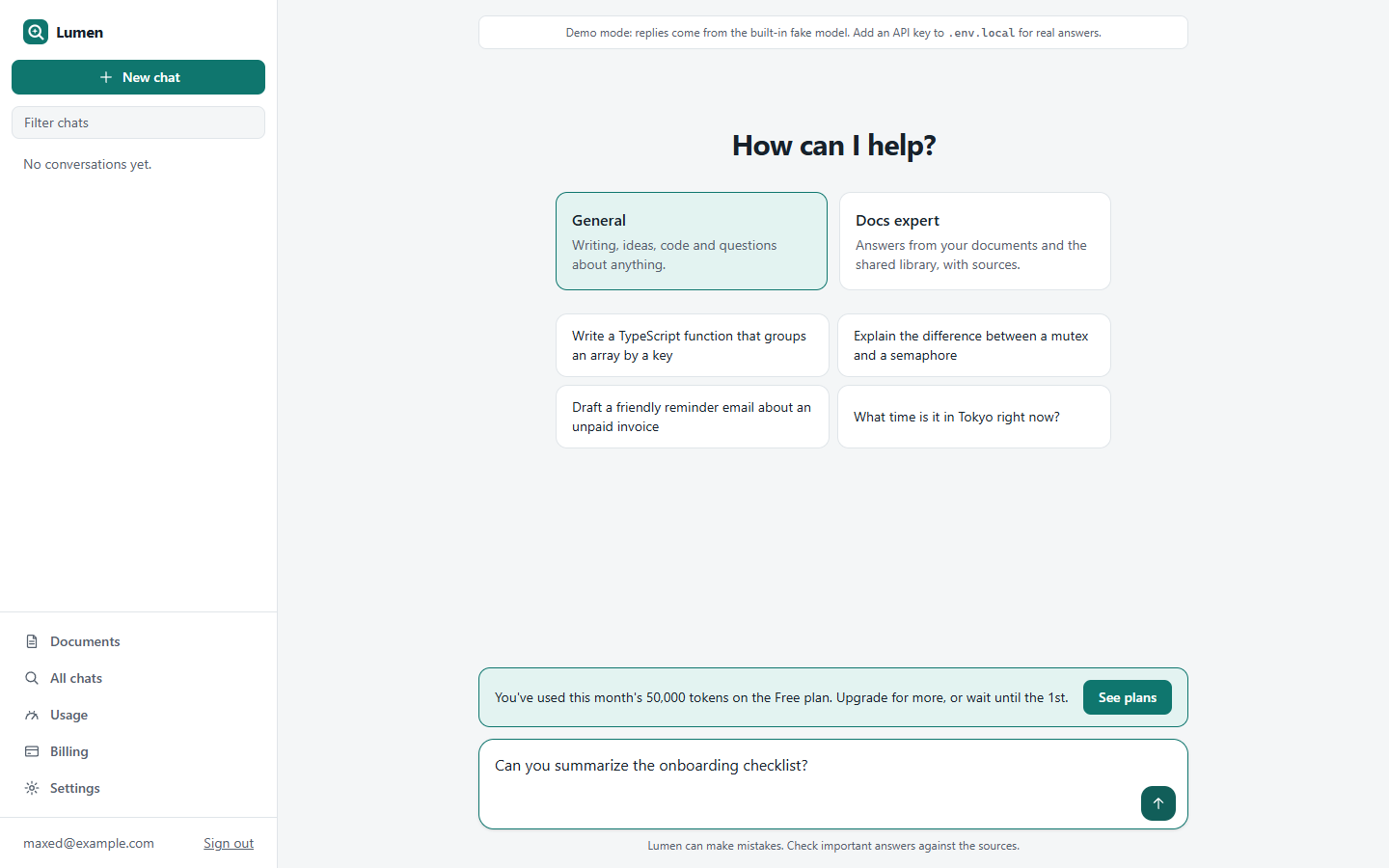
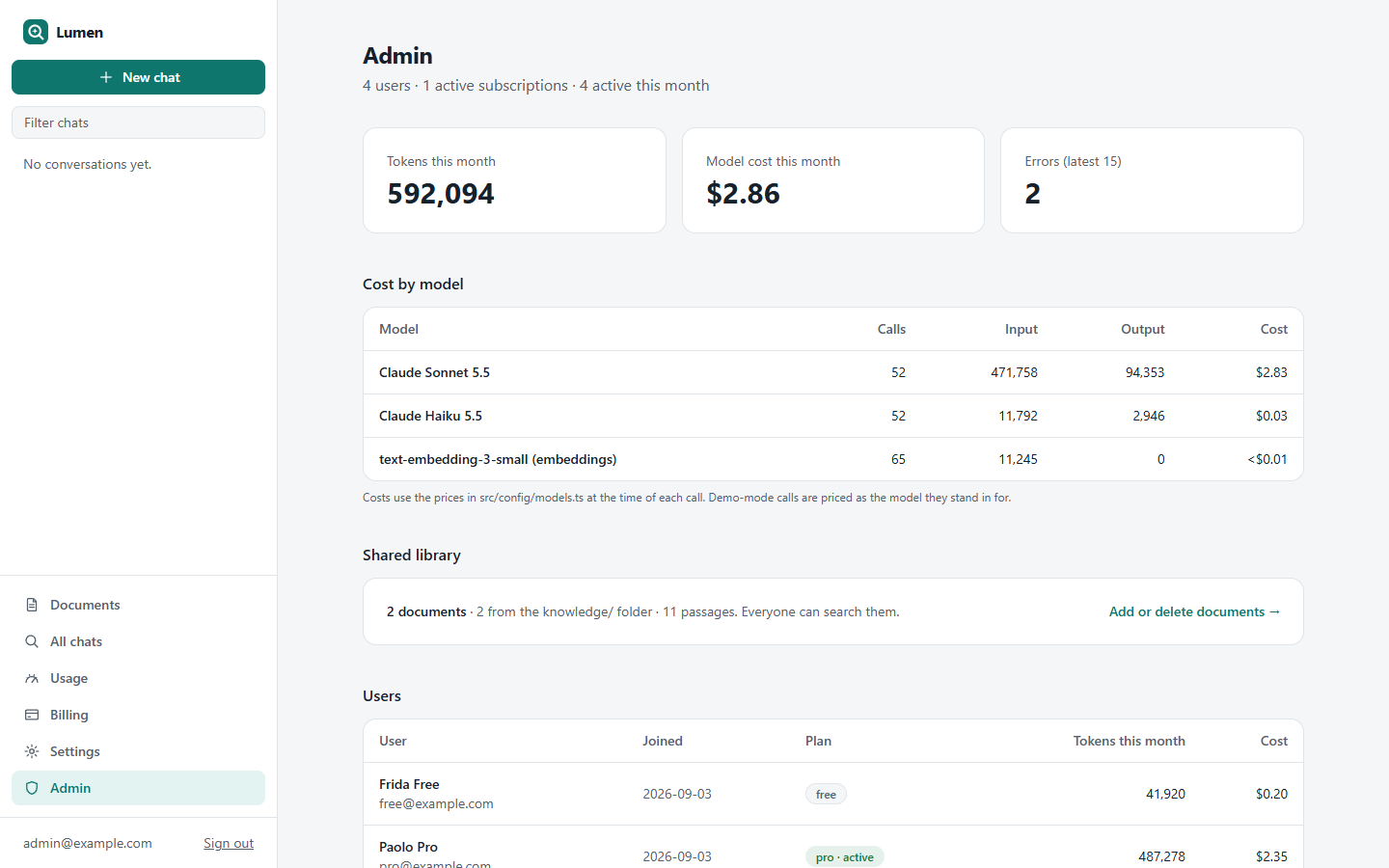
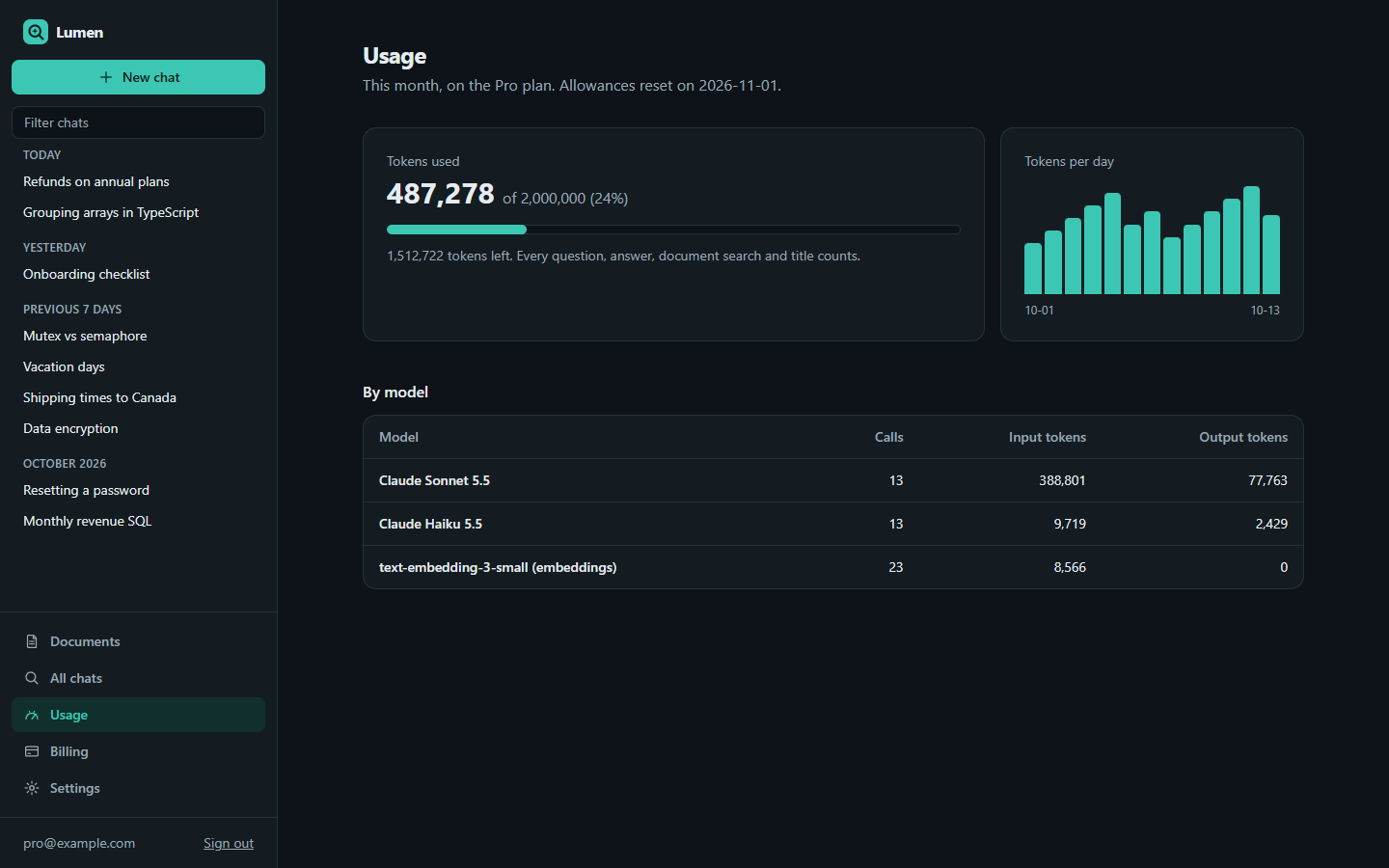
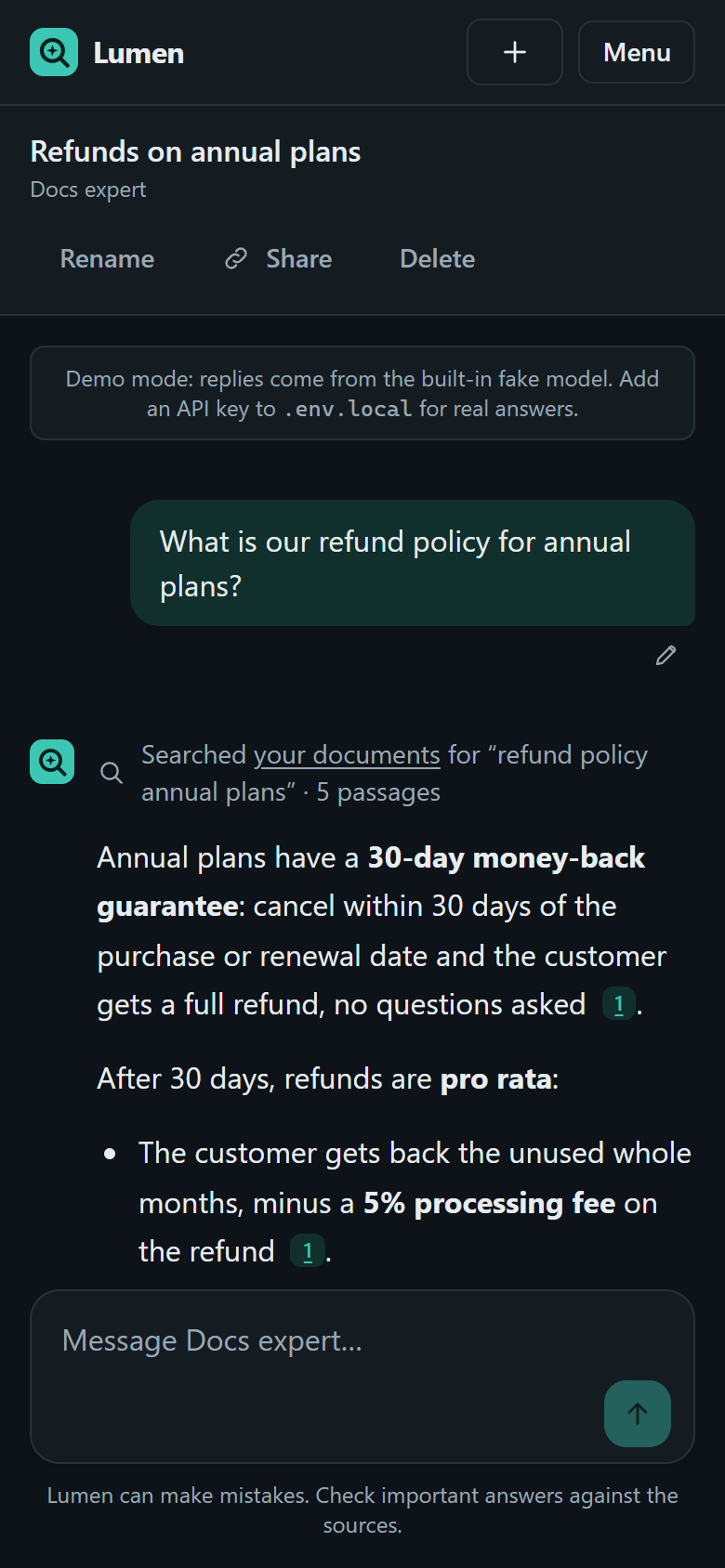
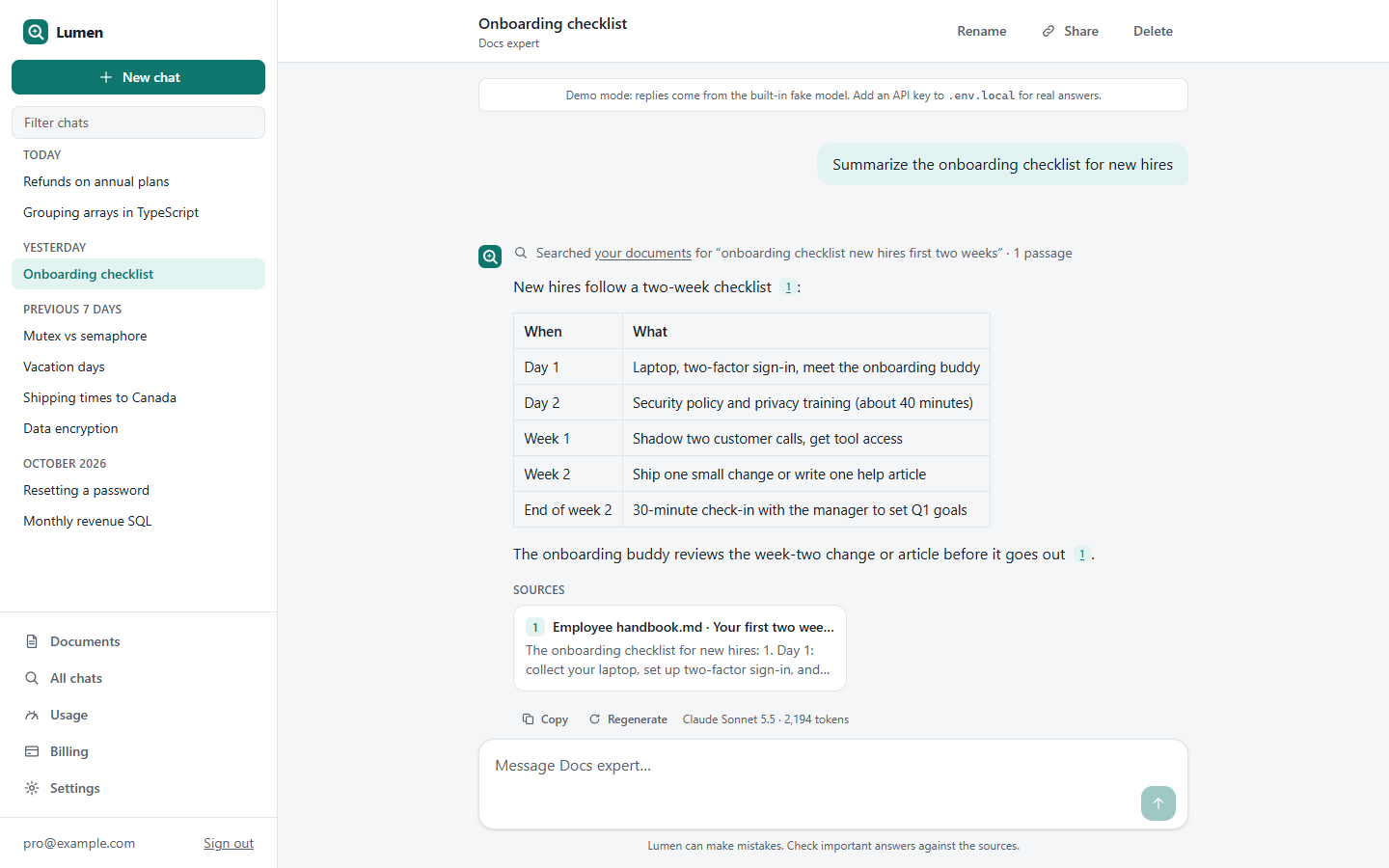
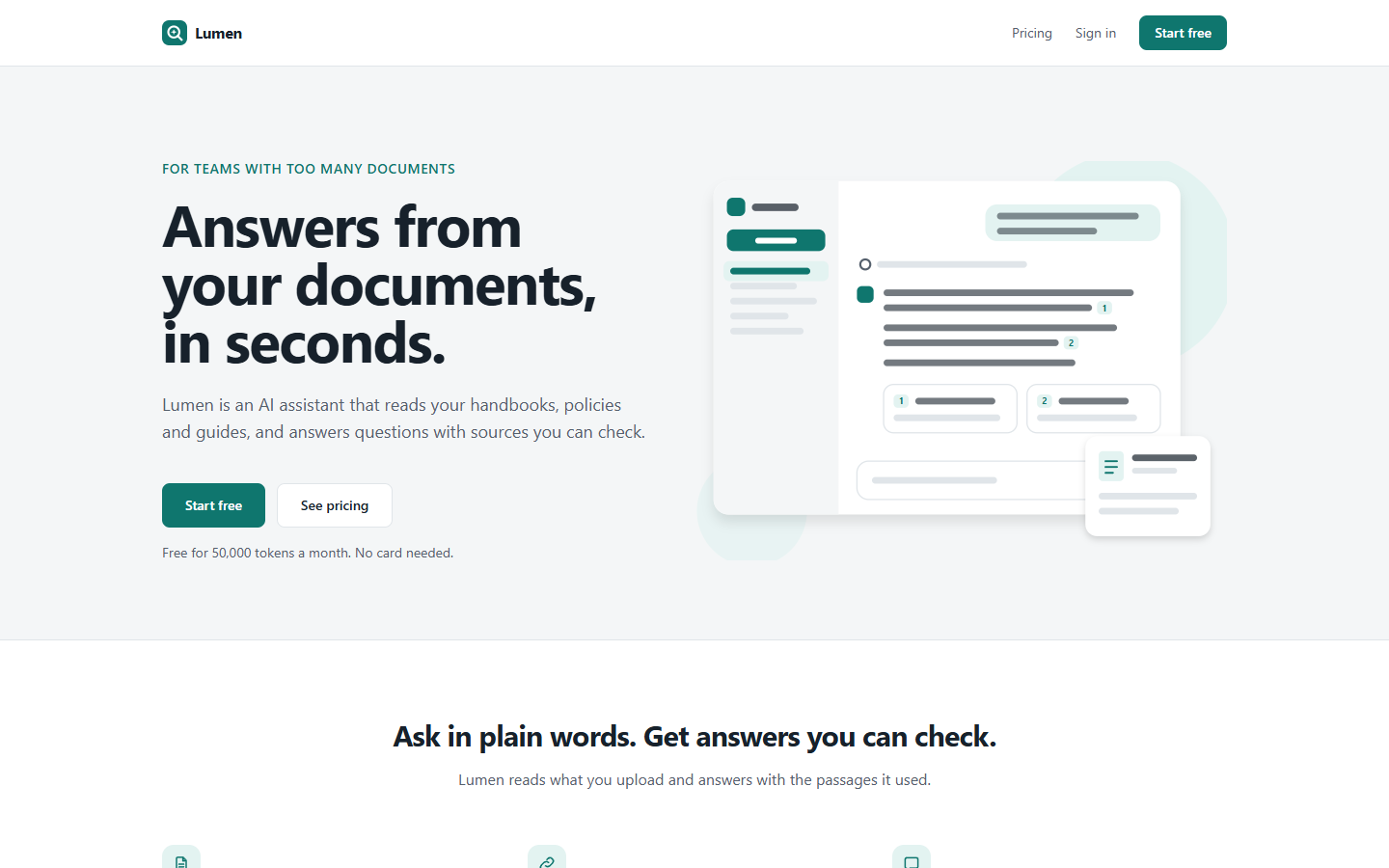
A finished AI chat product for Next.js 16 and the AI SDK 7, built so your AI agent can turn it into your assistant: "chat with our docs", a support bot, a writing helper, an expert in your field.
What's inside
- Chat that feels finished: streaming replies with Markdown and highlighted code, Stop, Regenerate, edit-and-resend, copy buttons, automatic titles, a conversation list with filter, rename, delete and full-text search. Light and dark, phone to desktop.
- Answers from your documents, with sources: upload PDF, Markdown, HTML or text, and keep a shared library for everyone (admins manage it, and a
knowledge/folder is indexed at startup), or private documents per user, or both. Lumen splits and embeds them into Postgres with pgvector, searches them with a tool, and every claim cites the passage it came from; a click opens it. - Claude by default, any model you like: Anthropic Claude Sonnet for answers and Haiku for titles, set in one file (
src/config/models.ts). Switch to OpenAI, Gemini, or a local model through Ollama. - Usage metering tied to plans: every model call records its tokens. Free / Pro / Team plans include monthly token allowances and document limits, enforced on the server; at the limit, the chat offers the upgrade (Paddle). A usage page per user, and an admin page with cost by model and recent provider errors.
- Assistants and tools: named system prompts with a model, temperature and tools (a General helper and a Docs expert to start), and a tool registry with typed inputs.
- Safe by default: keys stay on the server, model output is rendered without raw HTML, per-user rate limits, message size and tool-step limits, friendly error messages.
- Share links (Pro): a public, read-only link to a conversation.
- Runs with no API key: a built-in fake model and an offline search-engine-style embedder stream realistic answers, call tools and cite the right passages offline, so you can try everything (and the checks run) without spending anything.
- For your agent:
- a brief (
AGENTS.md) and 15 step-by-step recipes: switch provider, write the prompt, add an assistant, add a tool, a shared knowledge base, tune retrieval, plans and allowances, file types, streaming UI, share links, live evals, rate limits, Paddle, retheme, deploy - one check command: env docs, migrations, types, lint, 160+ unit and integration tests, build, and browser tests of every flow, all against the fake model
npm run eval:live: real questions to the real model, scored, with the cost printed- a screenshot tool that signs in as demo users and can send a message, so it can see its work
- a brief (
Use it with your agent
- Unzip this folder where you want your project to live.
- Install Node.js 22.15 or newer (24 recommended).
- Open the folder with your agent (Claude Code or similar) and say something like:
This is an AI chat starter from CodePlate. Read AGENTS.md, then let's turn it into "Pawpal": a pet-care Q&A assistant for our vet clinic that answers from our care sheets.
The agent will ask you a few questions (purpose, voice, provider and models, plans, brand), record your decisions in docs/project.md, and change the app step by step, running the checks after each change.
Run it yourself
npm install
npm run dev          # http://localhost:3000 (demo mode until you add a key)
npm run seed         # demo users: free@ / pro@ / admin@example.com, password "password123"
npm run check        # everything; ends with CODEPLATE CHECKS: PASS
For real answers, copy .env.example to .env.local and set ANTHROPIC_API_KEY (chat) and OPENAI_API_KEY (document embeddings; Anthropic has no embeddings API).
License
See LICENSE.md (CodePlate Pro License). You can use this code in your own products, free or paid, with no credit needed. Every version you downloaded while your CodePlate plan included it stays yours. You can't resell or share the template itself. The npm packages it installs keep their own open-source licenses: almost all MIT or Apache-2.0 (the AI SDK is Apache-2.0); highlight.js is BSD-3-Clause; Next.js brings sharp's libvips (LGPL-3.0) and lightningcss (MPL-2.0), both fine to ship unmodified in closed-source products.
Made by CodePlate.
For agents
Download URL (this version, needs a grant): https://codeplate.io/download/ai-chat-starter/1.0.3
Pro template: agents can't download it on their own. Ask the user to sign in on this page and press Download, then tell you where the zip is, or press Copy link for your agent and paste you the link. The link works for a few minutes and for v1.0.3 only; fetch it with a plain GET.
Verify with: npm ci && npm run check