
Document template · Typst 0.15.1 · Node.js 22
Print-and-Play Kit
Cards and board game components from a spreadsheet, typeset with Typst: bleed, safe zones, cut lines and print-ready PDFs.
Plus Included in Plus and Max (from $7.99 a month) · Pro License: no credit needed, yours to keep · SHA-256 50da505fc51c0515…
Serving suggestion
- Unzip it where your project will live.
- Install Node.js 22 or newer and Typst 0.15 (Windows:
winget install --id Typst.Typst -e --version 0.15.1; macOS:brew install typst; Linux: the release archive). Nothing else: nonpm install, no browser, no account. Your agent finds Typst itself and tells you if it's missing. - Open the folder with your agent and say something like:
This is a print-and-play template from CodePlate. Read AGENTS.md, then let's set it up for my card game: here's my card list.
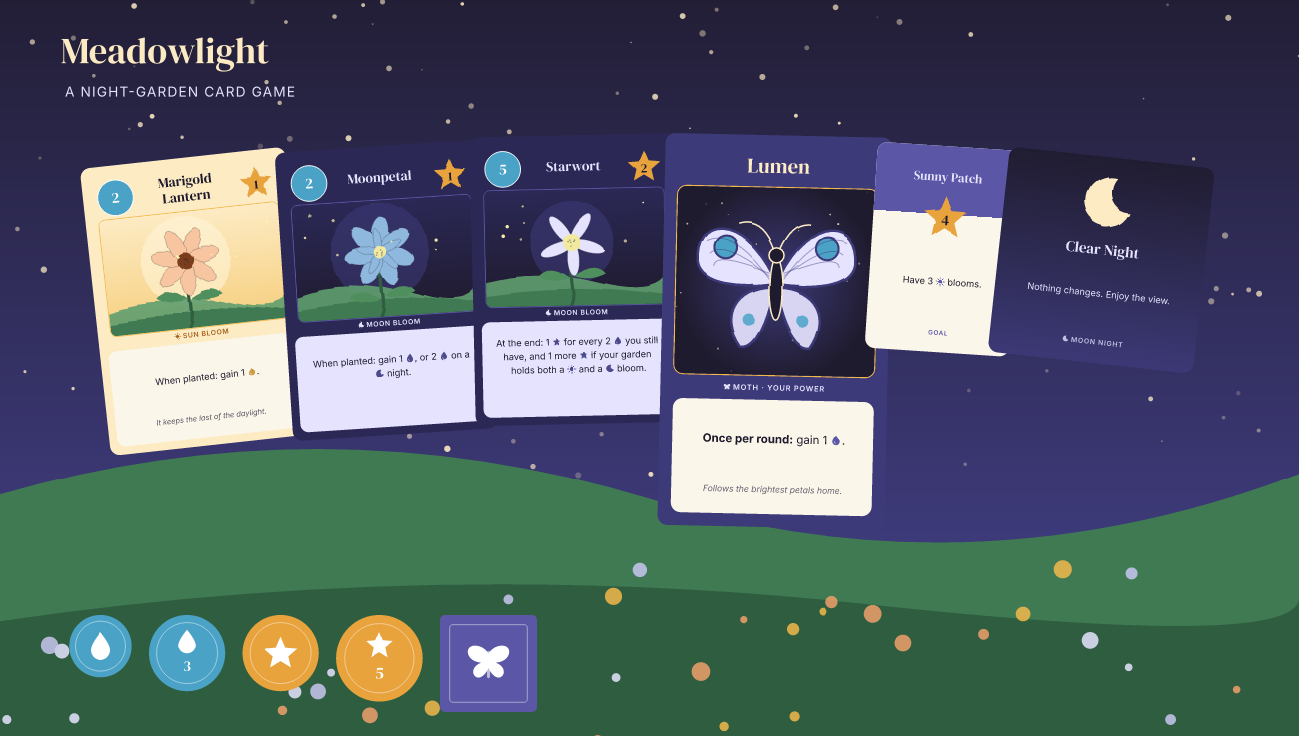
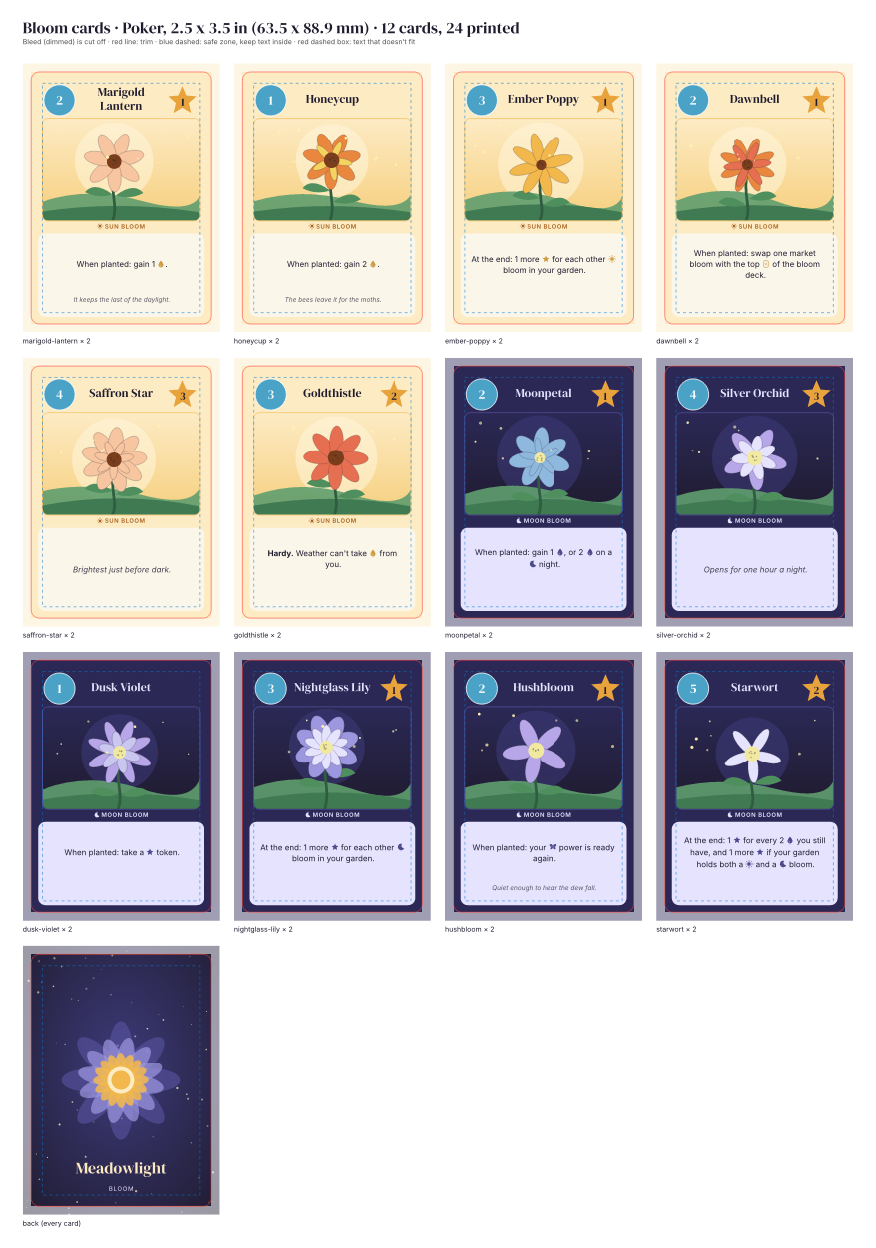
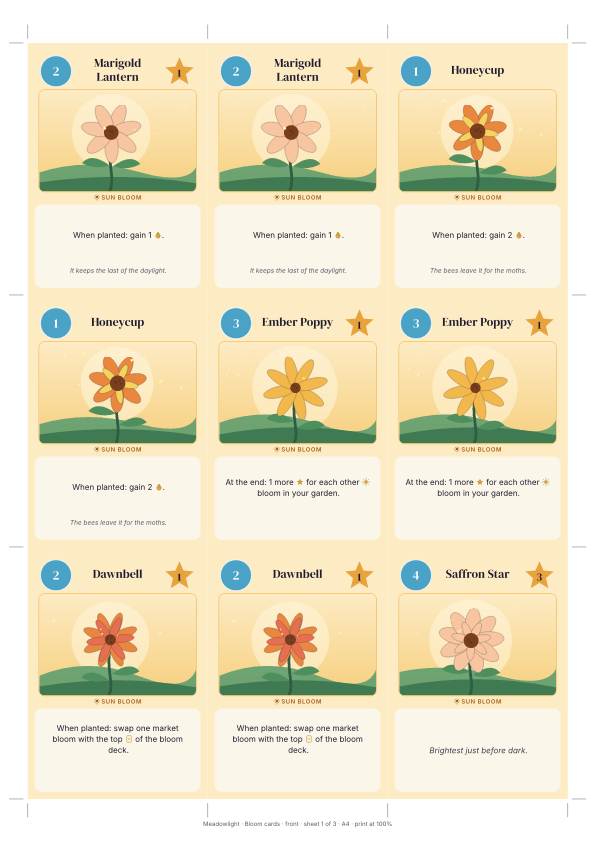
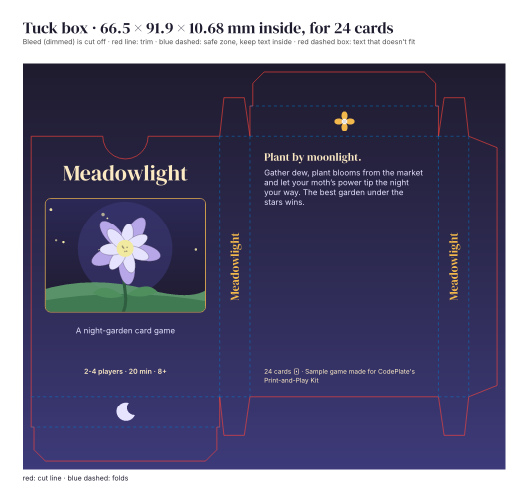
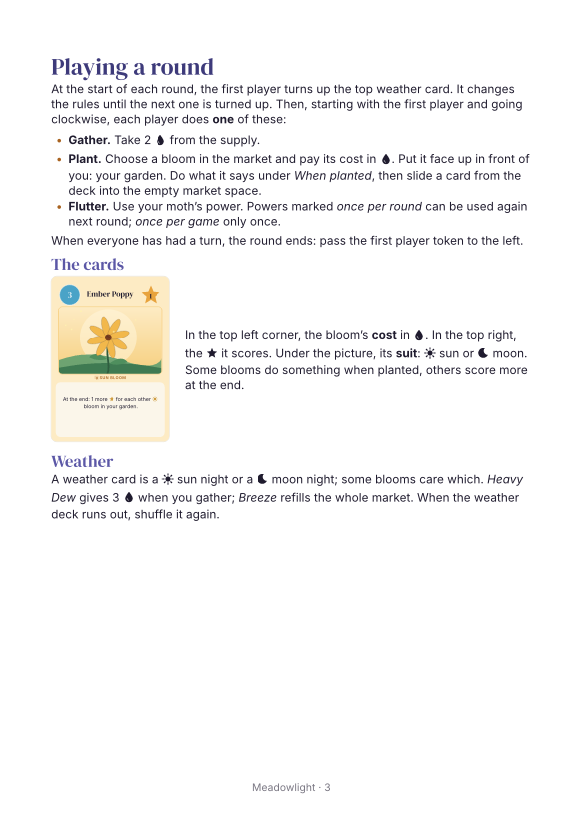
Cards, tokens, a board, a tuck box and a rulebook for your tabletop game, from a spreadsheet, typeset with Typst: bleed, safe zones, crop marks and print-ready PDFs for printing at home and at a print-on-demand shop.
Built for working with an AI coding agent: give this folder to your agent and tell it about your game. It reads AGENTS.md, asks you a few questions, and sets the project up for your cards.
What's inside
- A sample game, Meadowlight: 24 bloom cards (poker size), 5 moth cards (tarot), 8 goal cards (mini), 7 weather cards (square), 65 tokens, a 360 × 240 mm board, a tuck box and a 4-page A5 rulebook. All original: game, text and art (drawn by code).
- Cards from spreadsheets: one CSV per deck (Excel, Google Sheets, Numbers, LibreOffice), with symbols in the text (
Gain 2 {dew}.), bold and italic, and checks on every field. - Card layouts per card type in Typst, with text that shrinks to fit and a check that fails when it can't.
- Home print on A4 and US Letter: cards on sheets with crop marks, backs mirrored for double-sided printing (long or short edge, with a test sheet to measure your printer's drift), tokens with cut lines, the board in overlapping tiles, the tuck box with cut and fold lines, a 50 mm scale bar.
- Print-shop files: one PDF page per card side at trim + 3 mm bleed (vector), PNGs at 300 dpi named per card, the board, the box art and its dieline, the tokens, the rulebook with bleed, and a
manifest.csvwith counts and sizes. - Checks (
npm run check, a few seconds): data, fit, safe zone, bleed, page sizes and counts, fonts embedded and licensed, backs behind fronts, pixel sizes, a byte-identical rebuild, and PNG proofs to look at.
Requirements
- Node.js 22 or newer
- Typst 0.15 (Windows:
winget install --id Typst.Typst -e --version 0.15.1; macOS:brew install typst; Linux: the release archive from GitHub)
No npm install, no browser, no account.
Commands
npm run build      home-print PDFs, the rulebook, the duplex test sheet  -> out/
npm run export     print-shop files                                      -> out/shop/
npm run preview    PNG proofs of every card, the sheets, the rulebook   -> shots/
npm run list       what's in the game
npm run check      everything above, verified
Printing
At home: print out/home-a4.pdf (or -us-letter) at 100% / actual size (not "fit to page"), double-sided, flip on the long edge. Print out/duplex-test-a4.pdf first to see how well your printer lines up the two sides.
At a print shop: npm run export, then match out/shop/ to your shop's spec (card size, bleed, dpi, one file per card or one PDF). docs/recipes/print-shop-export.md explains what to look for.
Licence
CodePlate Pro License: see LICENSE.md. Fonts: SIL Open Font License (assets/fonts/). See CREDITS.md.
For agents
Download URL (this version, needs a grant): https://codeplate.io/download/print-and-play-kit/1.0.1
Pro template: agents can't download it on their own. Ask the user to sign in on this page and press Download, then tell you where the zip is, or press Copy link for your agent and paste you the link. The link works for a few minutes and for v1.0.1 only; fetch it with a plain GET.
Verify with: npm run check