
App template · Node.js 24 · Rust 1.98 · Tauri 2.12.3
Tauri Desktop Starter
A working desktop app for Windows, macOS and Linux: Tauri 2, Rust and SQLite, a React UI, search, menus, import/export.
Max Included in Max (from $12.99 a month) · Pro License: no credit needed, yours to keep · SHA-256 d65271366f592f14…
Serving suggestion
- Unzip it where your project will live.
- Install Node.js 22 or newer (24 recommended), Rust from rustup.rs, and Tauri's system prerequisites (on Windows, the Visual Studio C++ build tools; on macOS, Xcode's command line tools; on Linux, WebKitGTK; see the README). The checks also need a browser:
npm run setupinstalls one. - Open the folder with your agent and say something like:
This is a desktop app starter from CodePlate. Read AGENTS.md, then let's turn it into my app: a recipe box called "Pantry" that works offline on my computer.
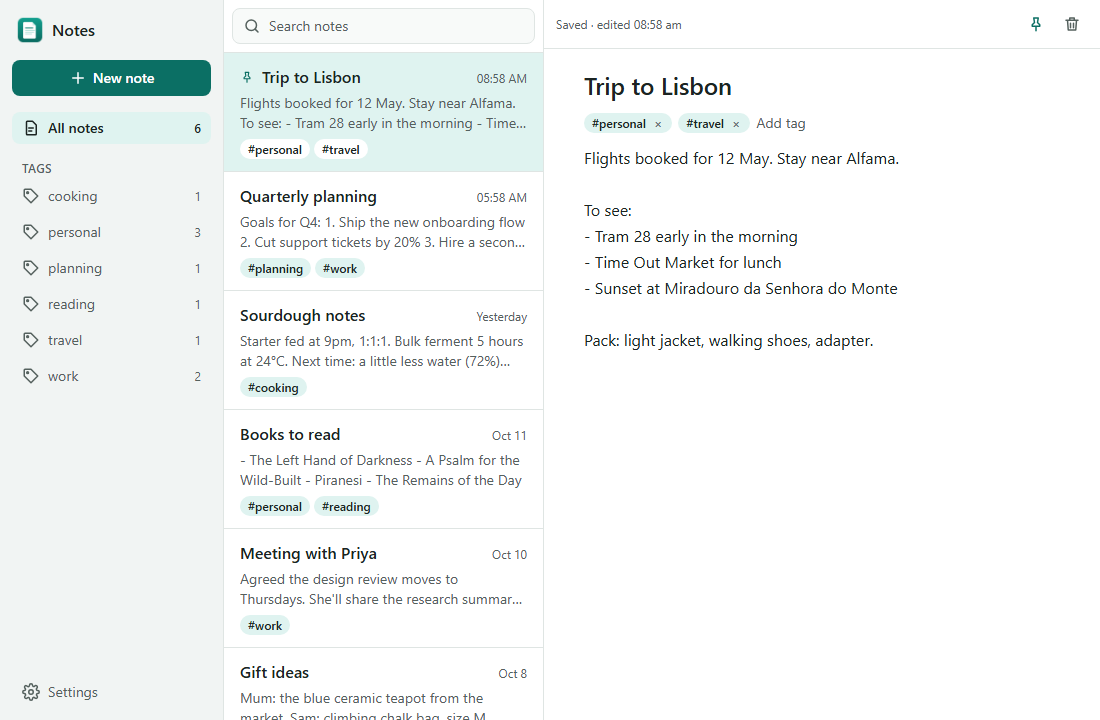
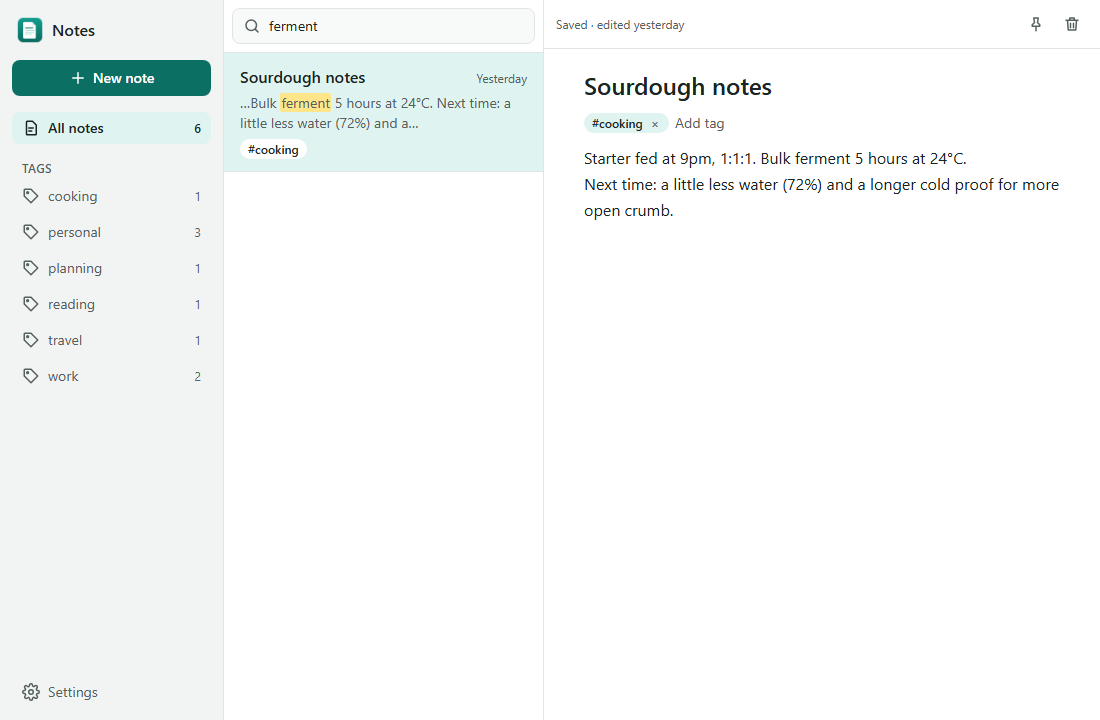
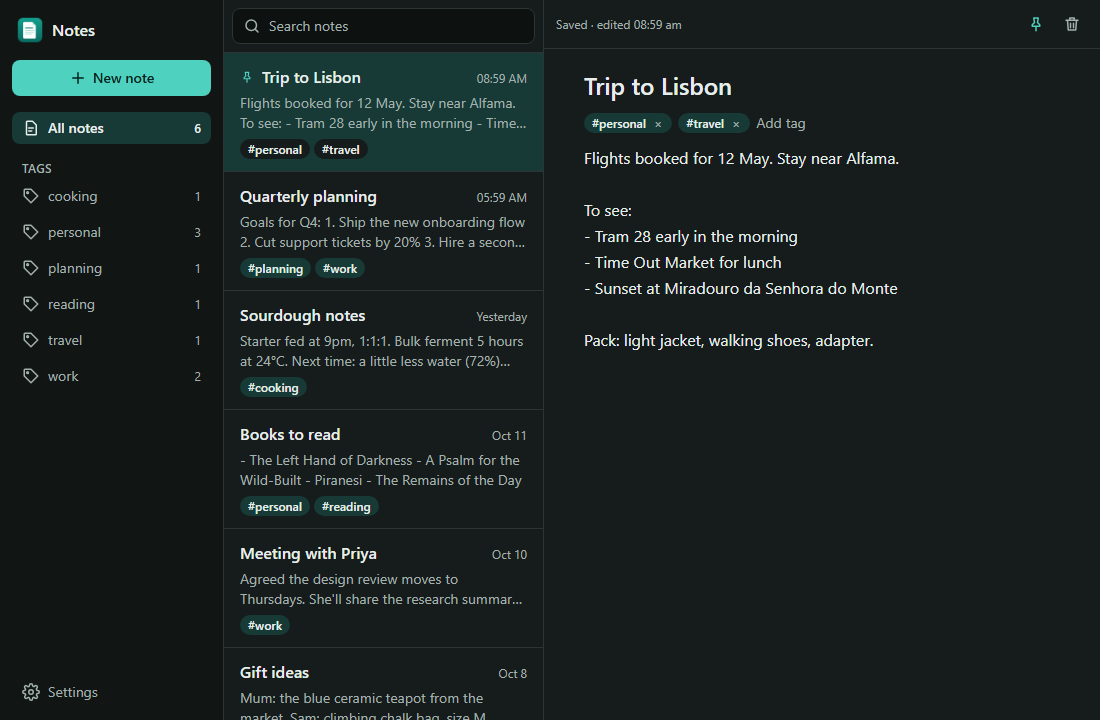
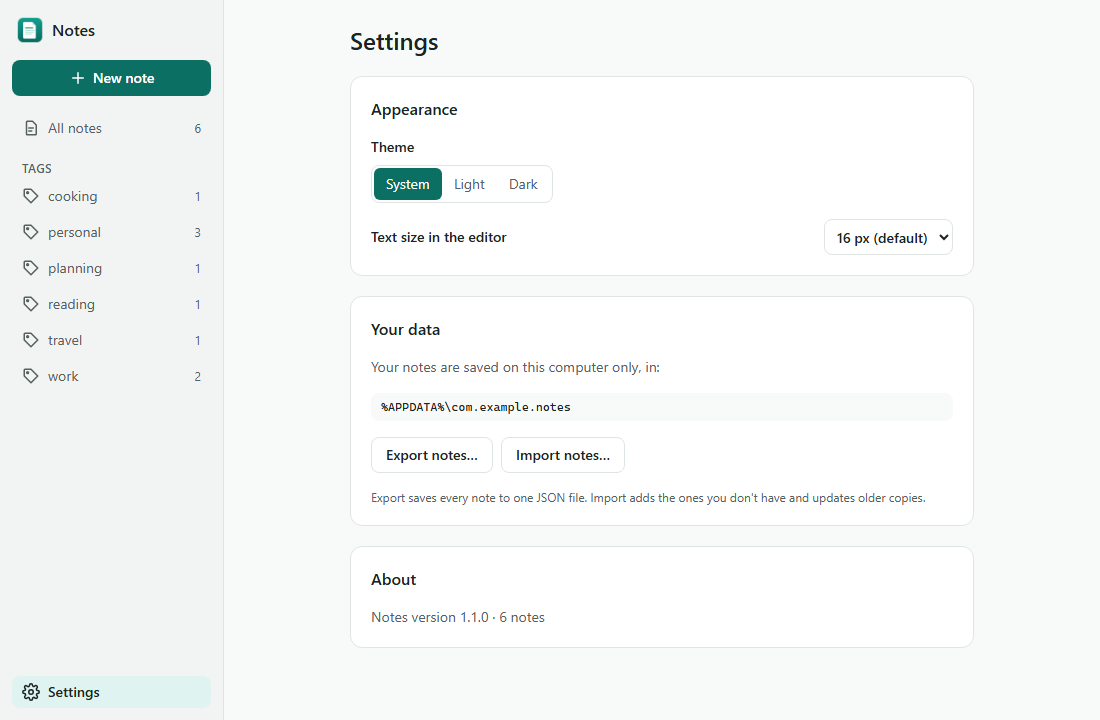
A working desktop app for Windows, macOS and Linux, built to be customized by an AI coding agent. Out of the box it's Notes: a fast, local notes app with tags, full-text search, settings, import and export, and native menus. You hand this folder to your agent, and it turns Notes into your app.
Built with:
- Tauri 2
- Rust with SQLite (rusqlite, FTS5 search)
- React 19, TypeScript and Tailwind CSS 4, built with Vite
Using it with an agent
Open this folder with your coding agent (Claude Code, Codex, Cursor…) and describe what you want to make. The agent reads AGENTS.md, asks you a few questions, then works in small, checked steps. It verifies its work with npm run check and takes screenshots to see the UI.
Running it yourself
You need:
- Node 22 or newer (24 is tested)
- Rust 1.88 or newer (1.98 is tested), from https://rustup.rs
- Tauri's prerequisites for your system:
- Windows: "Desktop development with C++" from the Visual Studio Build Tools. WebView2 comes with Windows 11.
- macOS:
xcode-select --install. - Linux (Debian/Ubuntu):
sudo apt install libwebkit2gtk-4.1-dev libgtk-3-dev librsvg2-dev libxdo-dev libssl-dev build-essential pkg-config(plusxvfbto run the smoke check without a display).
Then:
npm install
npm run dev          # the desktop app, with hot reload (the first build takes a few minutes)
npm run dev:web      # the same UI in a browser at http://localhost:1420
npm run check        # every check; ends with CODEPLATE CHECKS: PASS
npm run package      # build installers into target/release/bundle/
The checks find or install a browser for the screen tests themselves: Playwright's Chromium if it's there (npm run setup installs it), else your Chrome or Edge, else they download Playwright's Chromium once (about 150 MB). Set PW_CHANNEL=chrome (or msedge) to choose one.
What's inside
core/: the app's logic and database, in Rust. It has no Tauri in it and is tested bycargo test.src-tauri/: the desktop shell: window, menu, native dialogs, installer settings.bridge/: a development-only HTTP server aroundcore/, so the UI can run in a browser for tests and screenshots.src/: the React UI.docs/: architecture notes, a customization map, and step-by-step recipes.
License
See LICENSE.md (CodePlate Pro License). You can use this code in your own apps, free or paid, with no credit needed. Every version you downloaded while your CodePlate plan included it stays yours. You can't resell or share the template itself.
Third-party packages keep their own licenses:
- Almost all the Rust and npm dependencies are permissive: MIT, Apache-2.0, BSD, ISC, Zlib or Unicode.
- Bundled SQLite is in the public domain.
- A few crates that Tauri uses are MPL-2.0:
cssparser,selectors,dtoa-shortandoption-ext(andcssparser-macros, used only while compiling). MPL is a per-file license. Using these unmodified is fine in a closed-source or paid app. When you ship, your third-party notices should name them and say their source is on crates.io. - The npm build tool
lightningcss(used by Tailwind) is also MPL-2.0. It runs only at build time and isn't shipped in your app. - On Linux, the app links to the system's GTK and WebKitGTK libraries, which are LGPL. They're installed by the user's system, not bundled.
List the exact licenses at any time with cargo metadata and npm ls. The package-and-sign recipe covers writing a notices file.
For agents
Download URL (this version, needs a grant): https://codeplate.io/download/desktop-app-starter/1.1.2
Pro template: agents can't download it on their own. Ask the user to sign in on this page and press Download, then tell you where the zip is, or press Copy link for your agent and paste you the link. The link works for a few minutes and for v1.1.2 only; fetch it with a plain GET.
Verify with: npm ci && npm run check