
App template · Node.js 24 · Vite 8.3.4 · Typescript 6.0.3
Browser Extension Starter
A Manifest V3 extension for Chrome and Edge (Firefox build too): popup, side panel, options, content script, typed storage and messages.
Free No account needed · Free License: credit "Built with CodePlate" in what you ship, or none if you download it with any CodePlate plan · SHA-256 58ff2e9343d3d04e…
Serving suggestion
- Unzip it where your project will live.
- Install Node.js 22.18 or newer (24 recommended), and Chrome or Edge to use the extension. The checks load it into a browser:
npm run setupinstalls one (or they use an installed Edge). - Open the folder with your agent and say something like:
This is a browser extension starter from CodePlate. Read AGENTS.md, then let's turn it into my extension: "Price Watch", which remembers prices of products I mark on shopping sites and tells me when they drop.
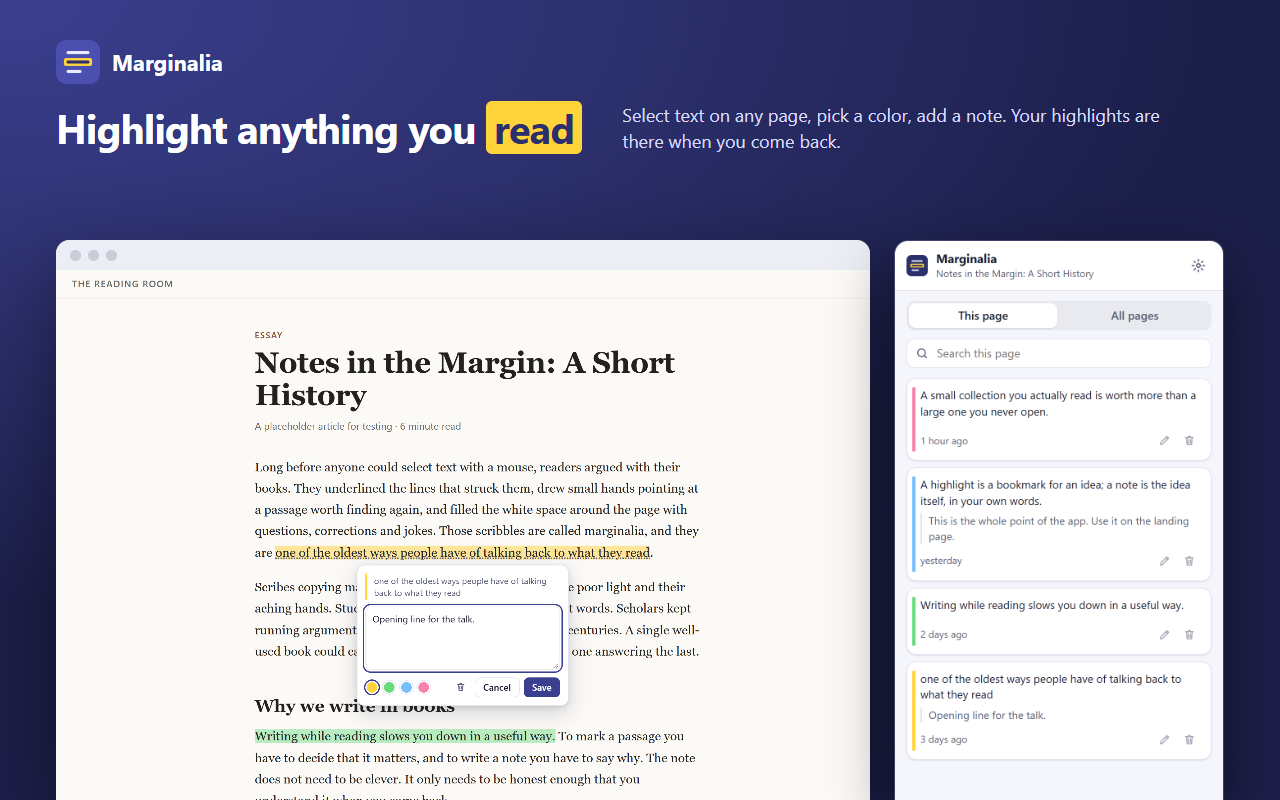
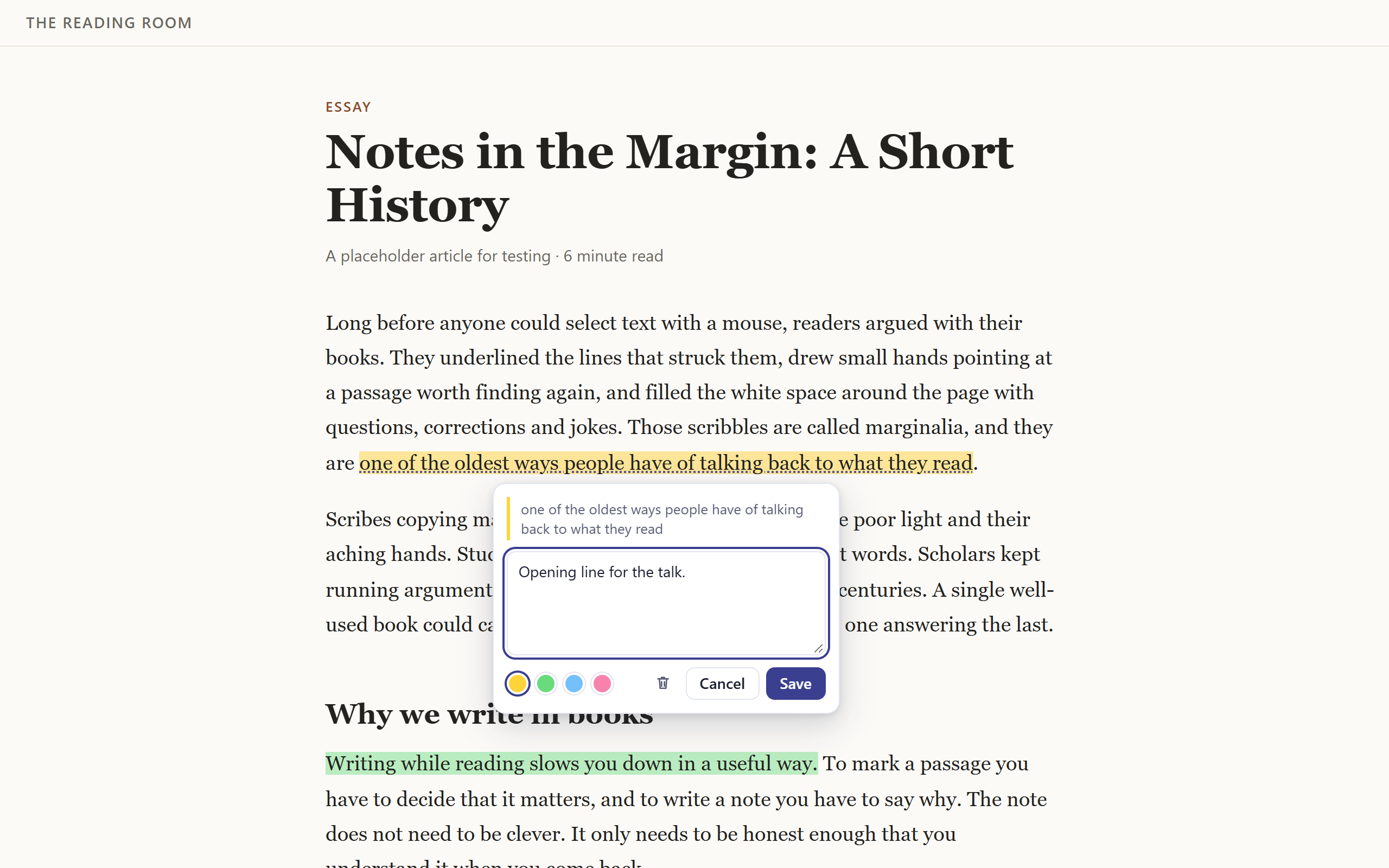
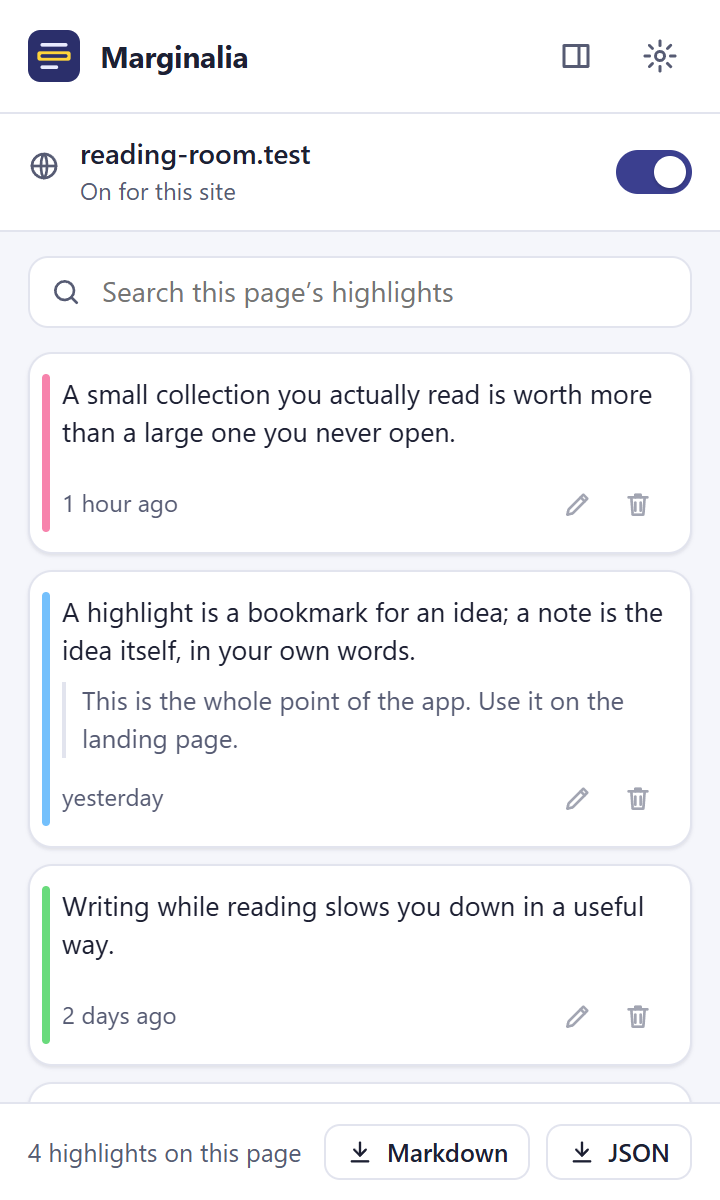
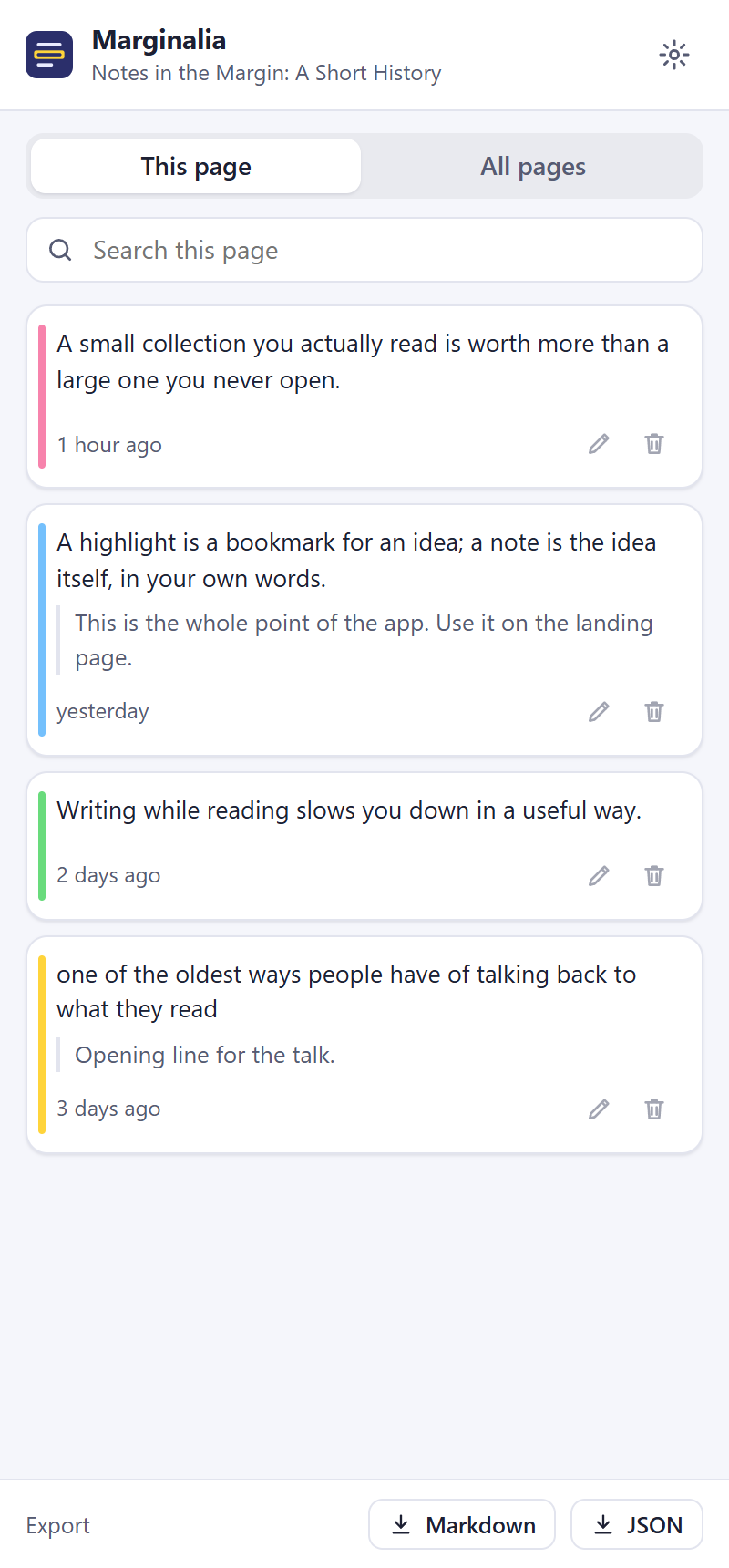
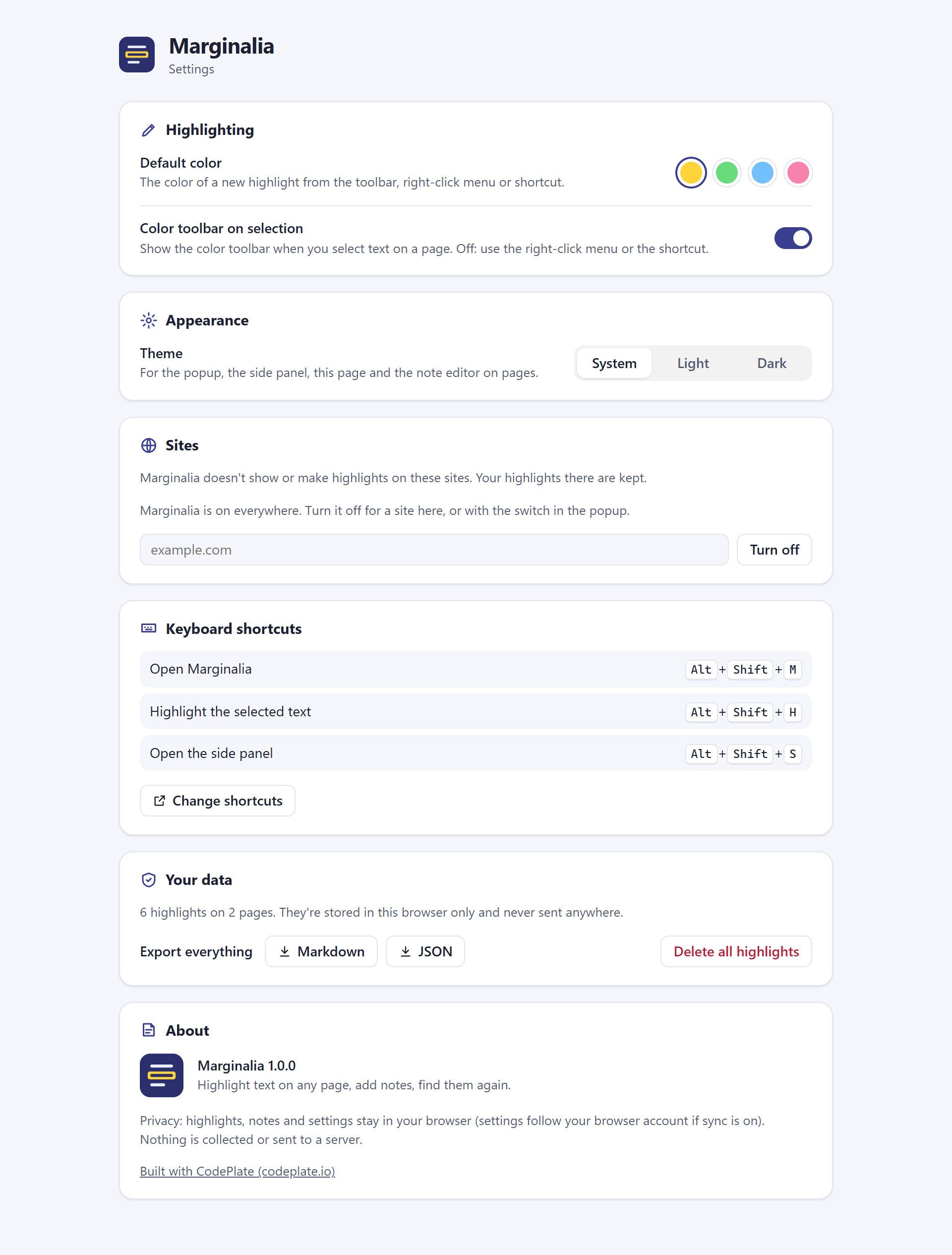
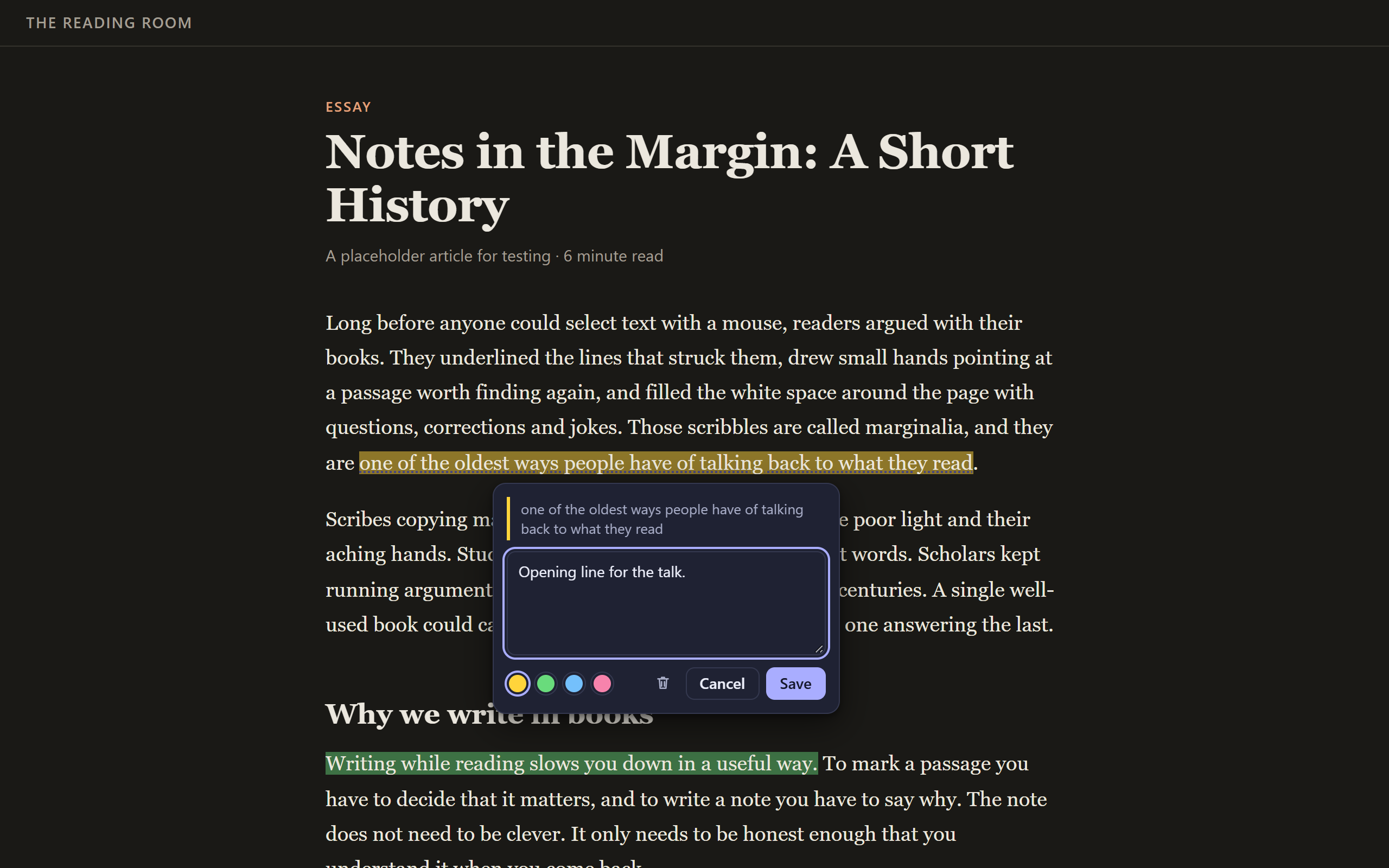
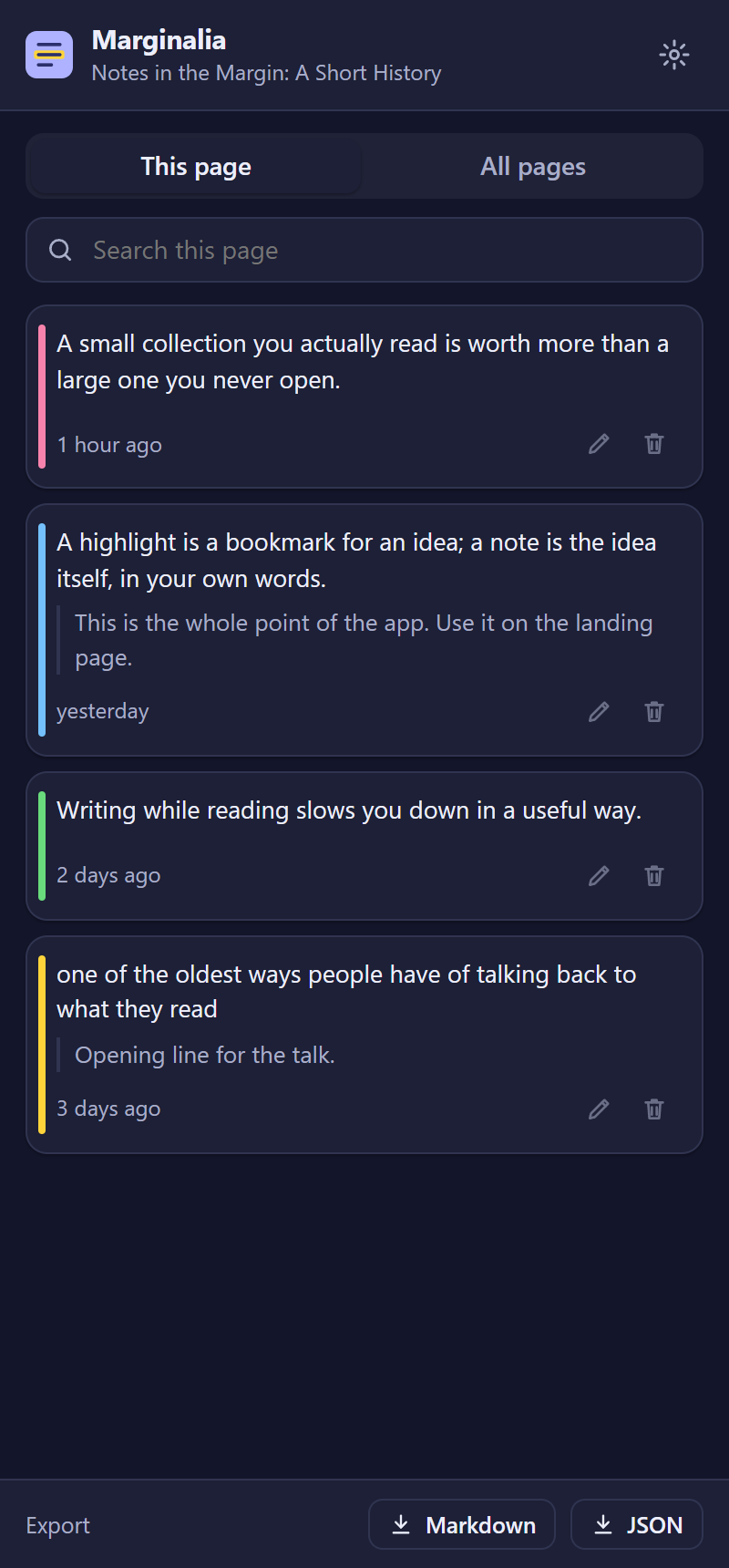
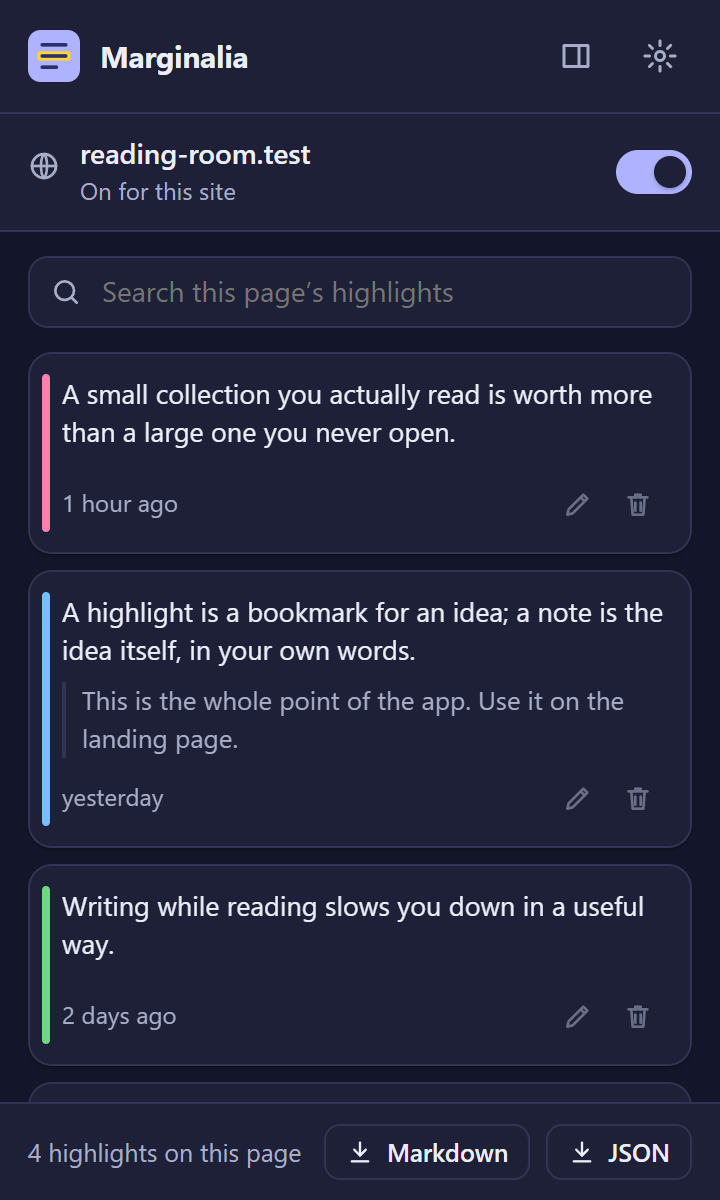
A complete Manifest V3 browser extension for Chrome and Edge, with a Firefox build, written so an AI agent can turn it into yours. The sample is Marginalia: highlight text on any web page, add notes, and find them again in the popup and side panel.
What's inside
- All the parts of an extension, working together: a content script with an in-page toolbar and note editor, a popup, a side panel, an options page, a service worker with a right-click menu, keyboard shortcuts and a badge count.
- Typed storage and messaging: settings in
chrome.storage.syncwith versioned migrations; data inchrome.storage.localwith one writer; every message between the parts declared once with its request and response types. - Small, justified permissions:
storage,contextMenus,sidePanel, and the content script on web pages. Each has a written reason; the checks fail without one. - Pages left alone: highlights are drawn with the CSS Custom Highlight API, so the page's HTML is never changed; the in-page UI lives in a shadow root.
- Light and dark themes, search, export to Markdown and JSON, per-site on/off.
- Checks an agent can run:
npm run checkruns type checking, lint, unit tests over a fakechromeAPI, the build, a store-style manifest check (permissions, CSP, no remote code, icons) and Playwright tests with the extension loaded in a real browser. - Screenshots and store assets from scripts:
npm run shots,npm run store(1280×800 screenshots, promo tile),npm run listing(store listing and privacy policy drafts from the manifest),npm run zip(the upload; it refuses the template's placeholders). - Optional per-site access, ready to switch on: a tested helper and a recipe for asking for one site at a time and registering the content script only there.
- An agent brief and recipes:
AGENTS.md, plus eleven step-by-step guides from rebranding to publishing on the Chrome Web Store.
| Popup | Side panel (dark) | Options | |---|---|---| |  |
|  |
|  |
|
Use it with your agent
- Unzip the template and open the folder with your coding agent (Claude Code or similar).
- Say what you want: "Read AGENTS.md, then let's turn this into my extension: …". The agent asks a few questions first (what it does, which sites, what data it touches, which browsers, your brand) and records the answers in
docs/project.md. - It works in small steps and runs
npm run checkafter each one.
Run it yourself
Requires Node.js 22.18 or newer (24 recommended).
npm install
npm run dev            # builds dist/chrome/ and rebuilds on save
Open chrome://extensions (or edge://extensions), turn on Developer mode, click Load unpacked, and choose dist/chrome. After a rebuild, click the extension's reload button and reload the page.
npm run check          # everything; ends with CODEPLATE CHECKS: PASS
npm run setup          # once: the browser the screen tests use (or set PW_CHANNEL=msedge)
npm run build:firefox  # dist/firefox/
npm run listing        # docs/store-listing.md and docs/privacy-policy.md drafts
npm run zip            # dist/<name>-<version>-chrome.zip for the store
License
See LICENSE.md (CodePlate Free License). Keep the "Built with CodePlate (codeplate.io)" credit in the options page.
For agents
Download URL (always this version): https://codeplate.io/t/browser-extension-starter/1.0.2.zip
Latest: https://codeplate.io/t/browser-extension-starter/latest.zip
Verify with: npm ci && npm run check